
6 pages 0 emails
5 Screenshots
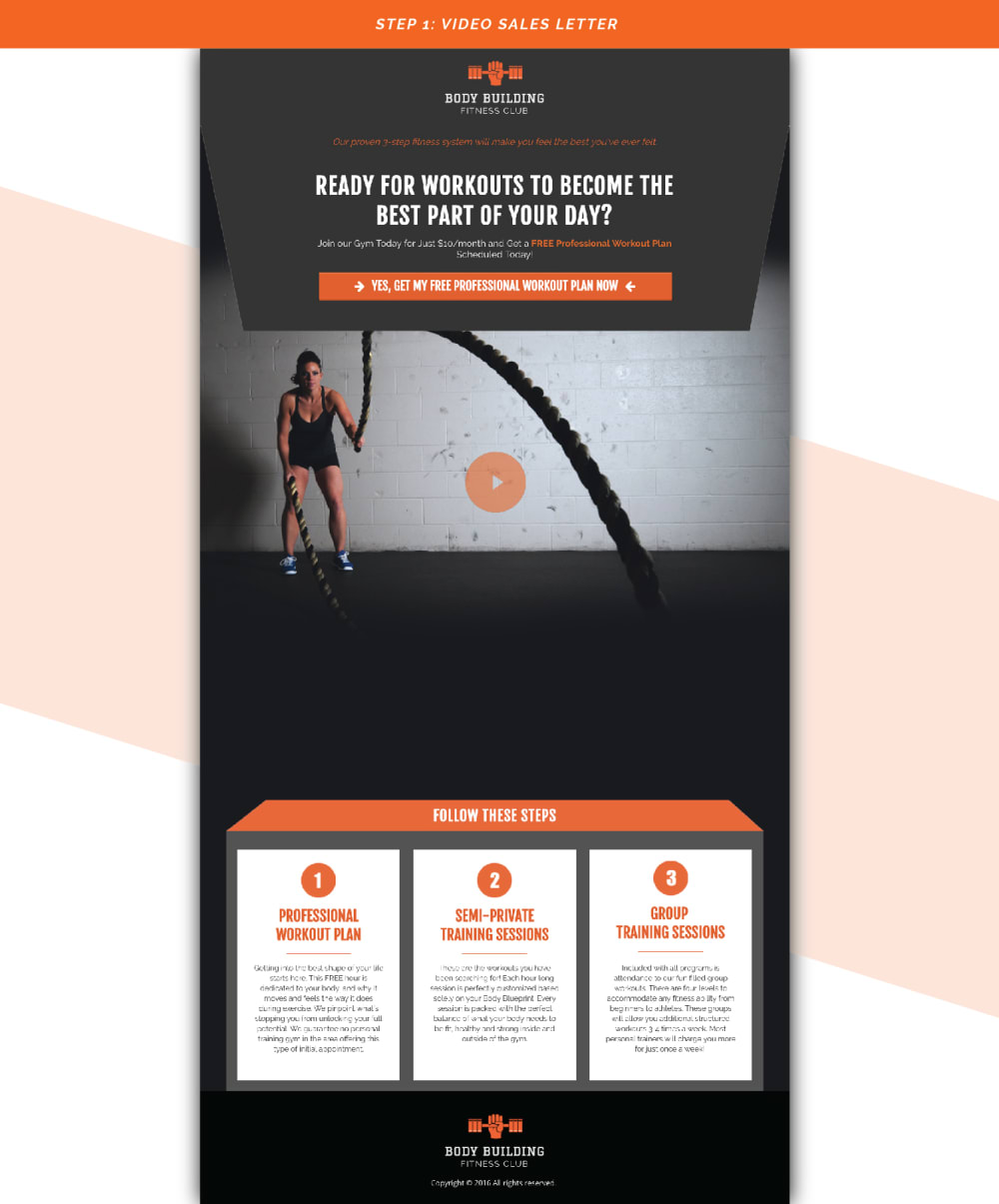
Step 1 - VIDEO SALES PAGE
- Keep headline simple and direct - easy words. - Customize background to display an impactful sales video. - Prompt visitor to make a small payment to claim their FREE value item. - Make viewer aware of “Next Steps” up ahead.
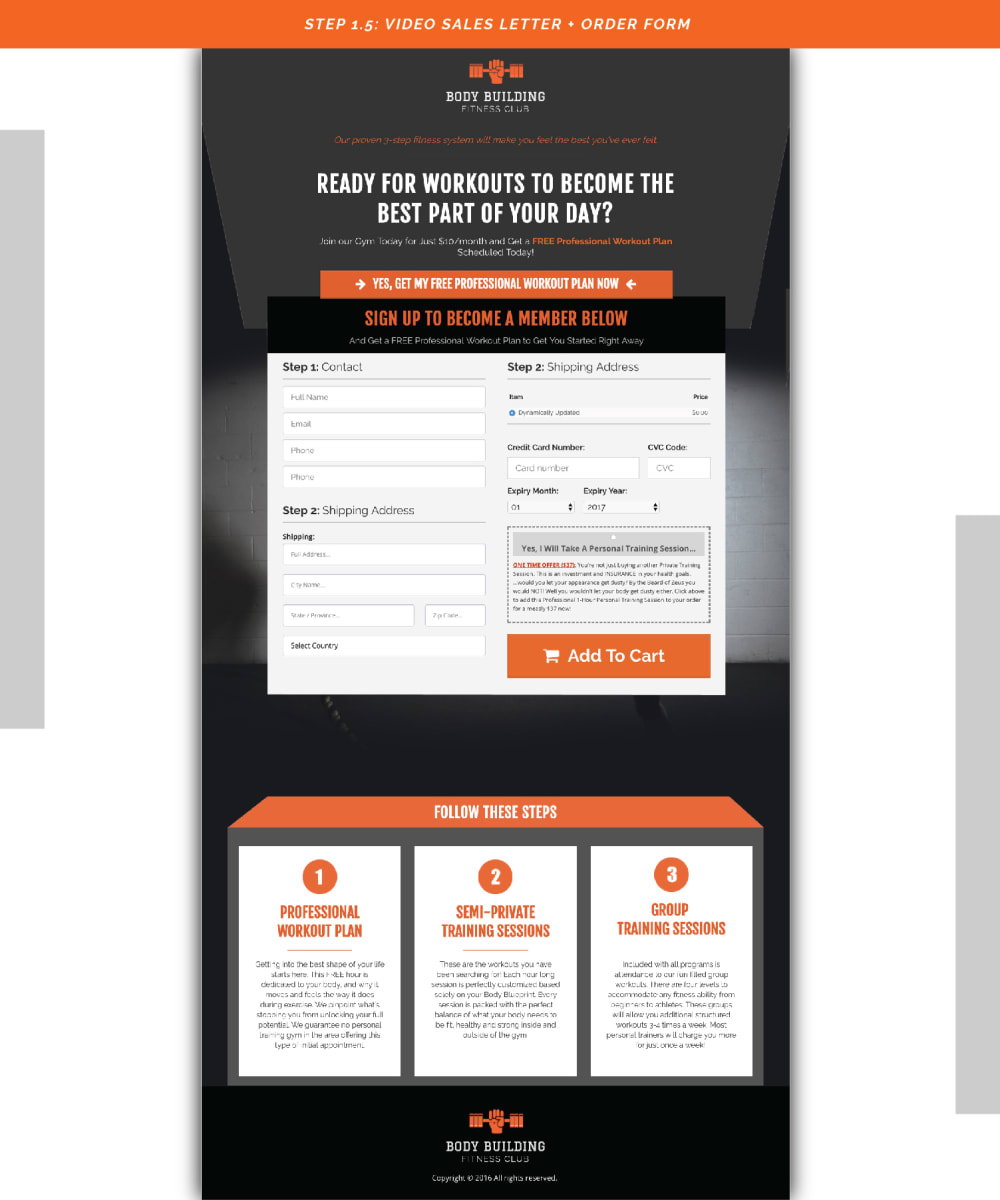
STEP 1.5 - VIDEO SALES PAGE + ORDER FORM
- This is where you will show your customers their purchase - Hidden order form, until button is pressed. - Clean and simple
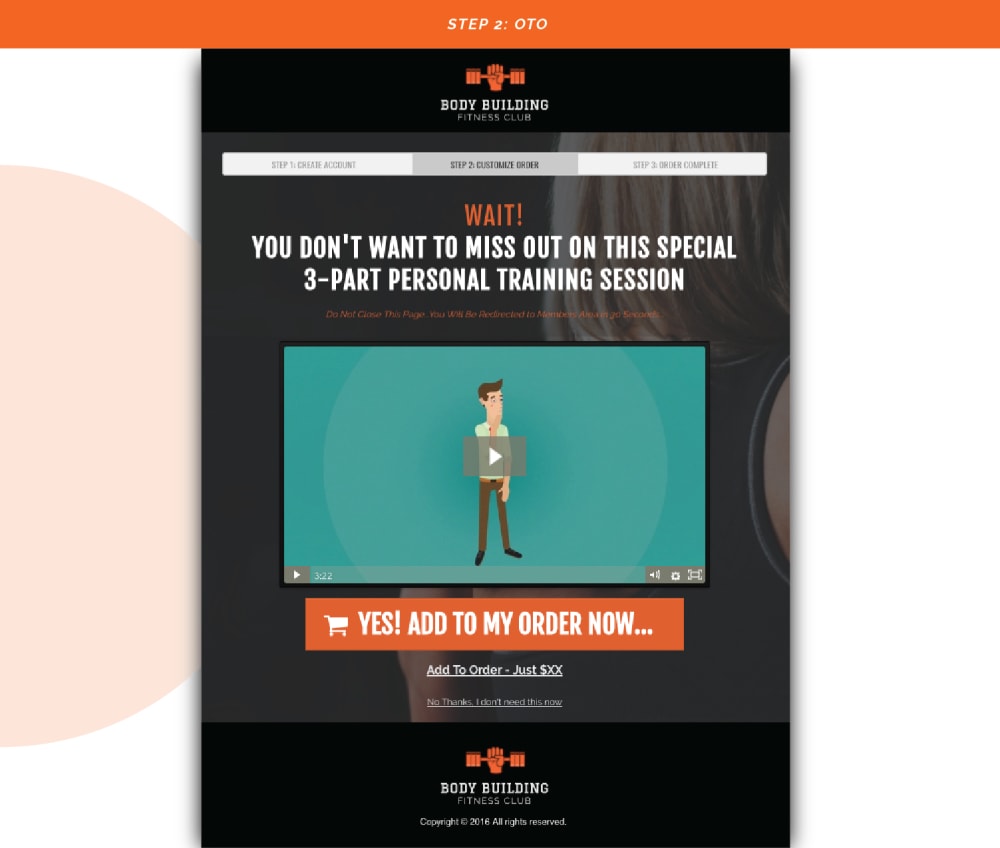
STEP 2: OTO PAGE
- Once you've captured payment information, use this up-sale page to offer more value - Include a video that speaks to your client avatars hopes, fears and benefit
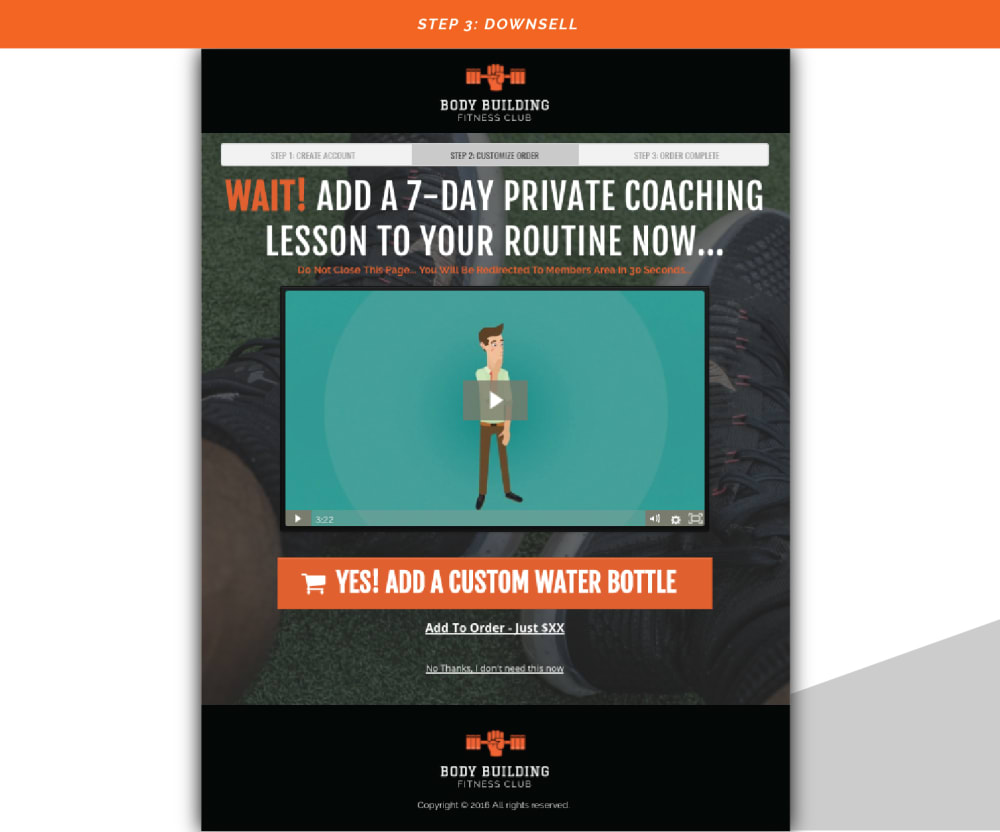
STEP 3: DOWNSELL PAGE
- Once you've captured payment information, and offered something of greater value, use this page to offer something small to compliment your customers new purchase. - Include a video that speaks to your client avatars hopes, fears and benefit
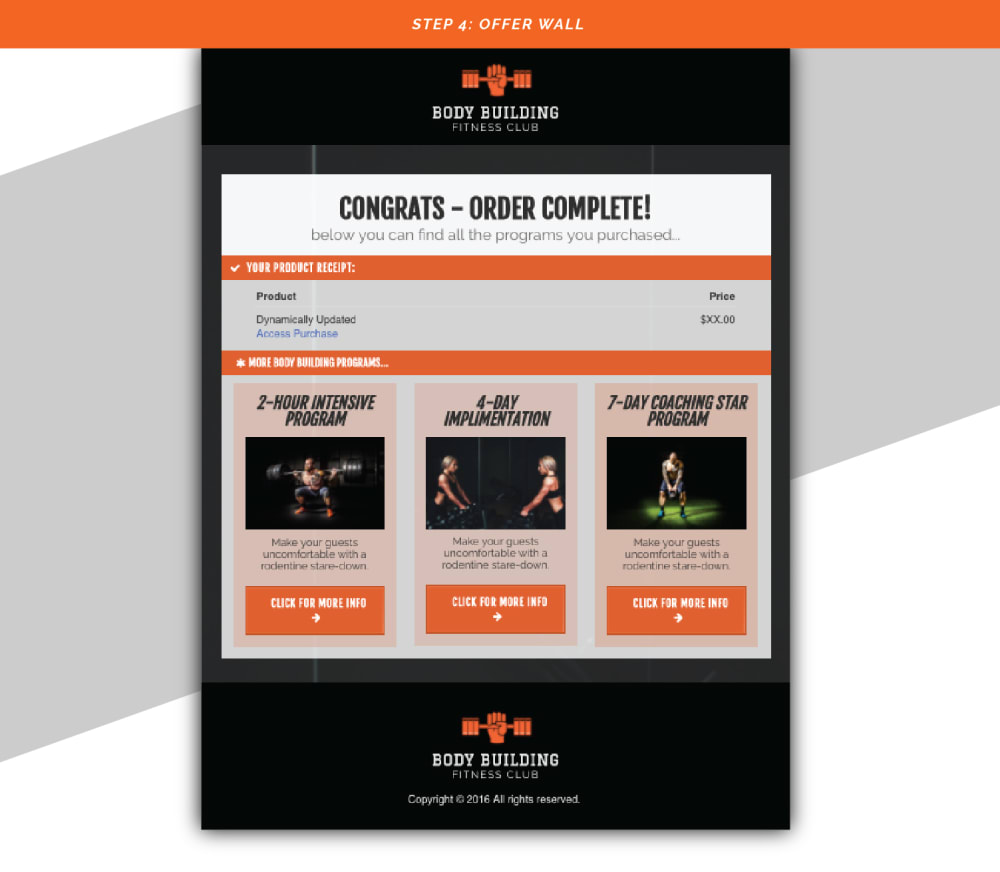
STEP 4: OFFER WALL PAGE
- The last page in the funnel is where you will show your customers their purchase - Introduce them to other product offers to buy