6 pages 0 emails
6 Screenshots
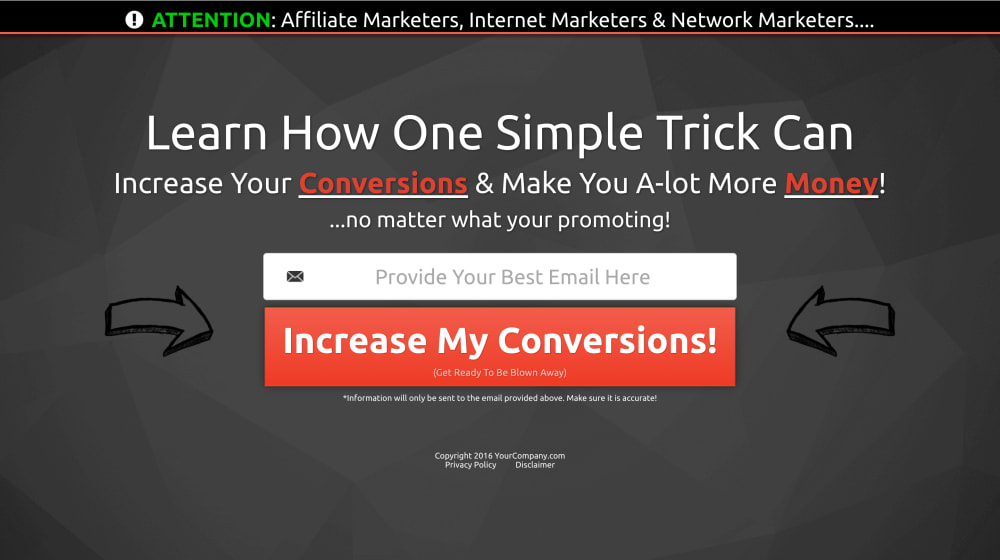
Variation 1
The first variation of the capture page. It also has an exit popup that shows when your visitor tries to close the page without taking action.
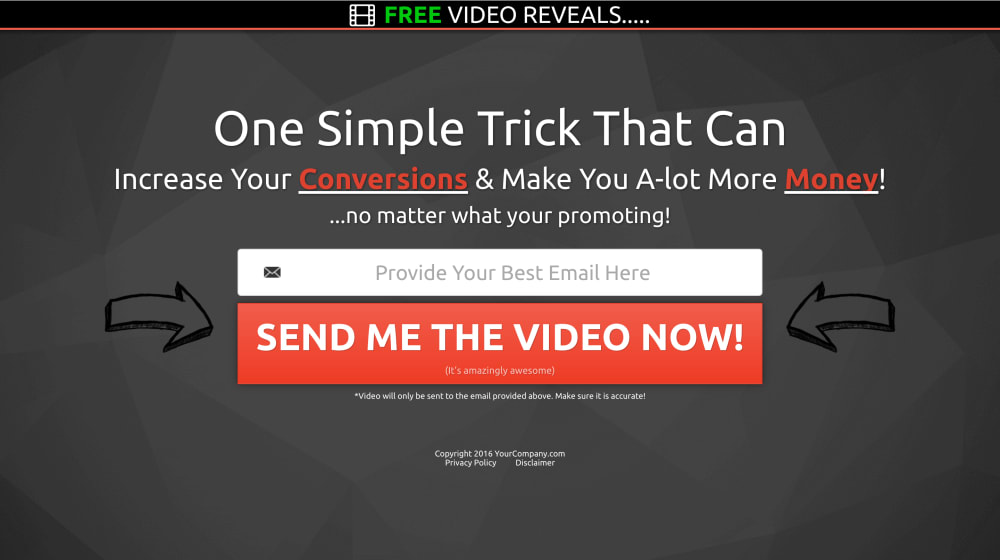
Variation 2
This is the 2nd variation of the page in which the notification bar at the very top has a different message. TEST EVERYTHING! NO MATTER HOW SMALL!!
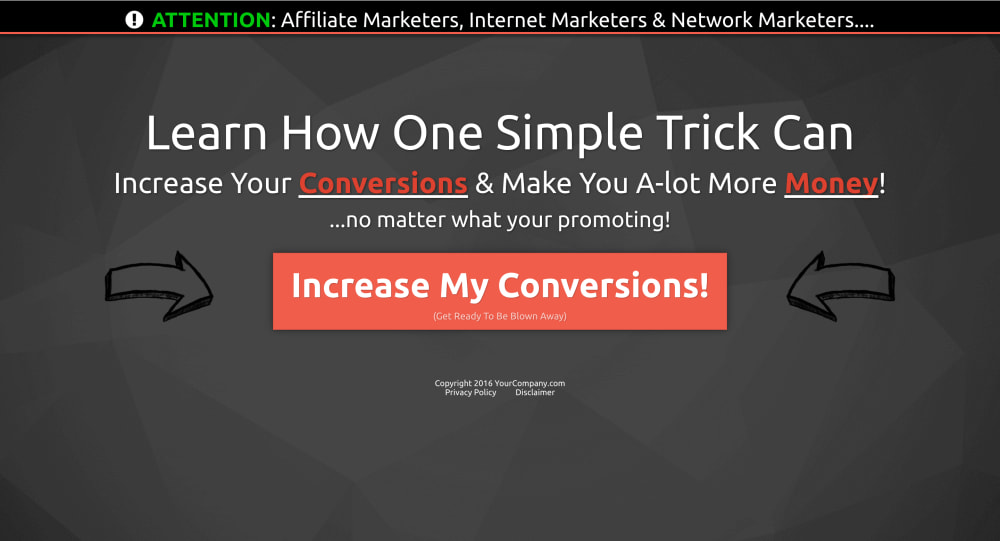
Variation 3
This is the 3rd variation in which the user must first click the button in order to enter their email. This is also called a 2-step optin page. It's a pretty good conversion booster!
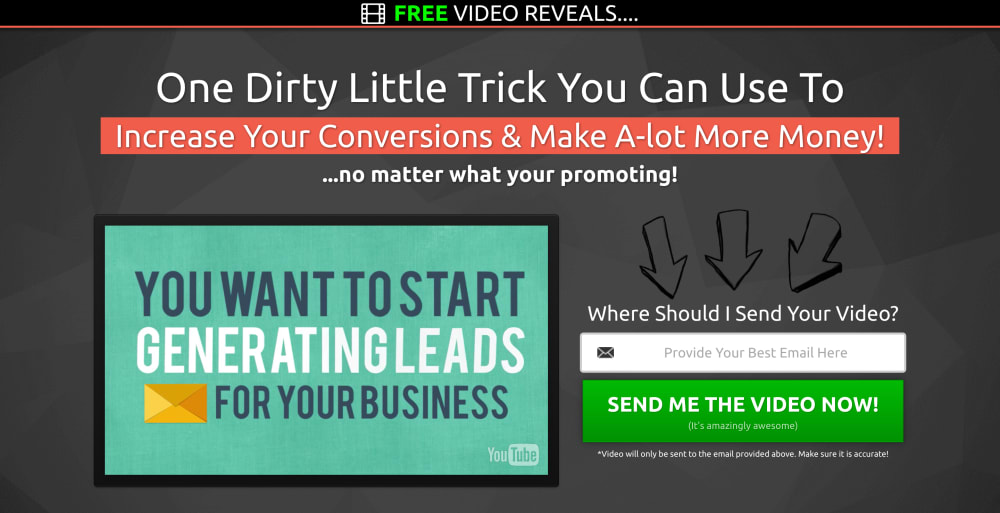
Variation With Video Option
If you would like to add a video to your capture page, then I have added an option for you to do so with this variation.
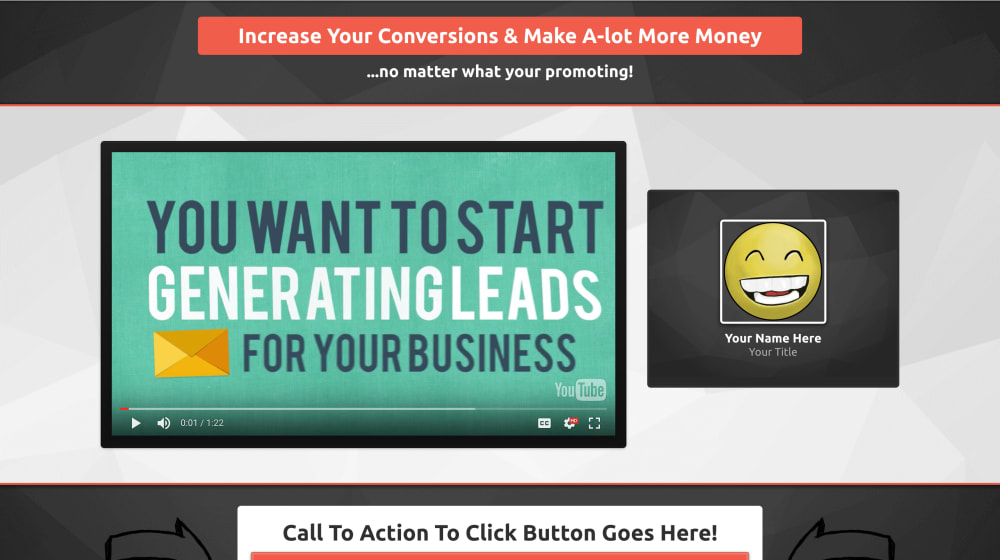
Value Page
This is the page where you give your subscriber goes to after they have opted in. This could be video training (which it is currently set to), this could also be a simple Thank You page where they can continue to whatever offer you are promoting.
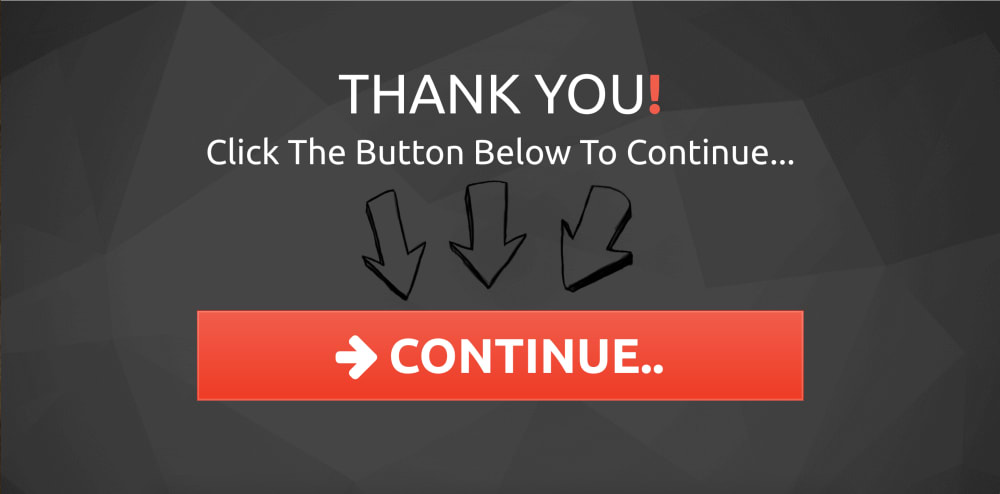
Thank You Page
This is an optional page you can use that your subscriber sees after they opt in. They just simple click the button to continue to your offer.
Frequently asked questions
- Can I remove the exit pop up from the page?
- YES! all you have to do is click on the button that says "Show Popup" in the bottom left corner of the editor then click on "Edit Popup Settings" under the popup, then scroll all the way down in the popup menu then switch the "Show On Exit" setting to "Don't Show On Exit"