
← All templates

Zurvita - Health & Wealth Optin Funnel

Rated 5.0 out of 5

Zurvita - Health & Wealth Optin Funnel

2 pages 0 emails

- **Creating Optimal Health Through Daily Living** This super clean 2 page optin and thank you page funnel is perfect for any entrepreneur wanting to share their message of better health and improved finances... Easily segment your visitors into those wanting to try your products, and those looking to create a new income referring the products to others as well! - Common Search Terms: zurvita, fitness, health, healthy, vitamins, supplements, products, sales, wealth, money, earn money, sponsor, sponsorship, home business, mlm, network marketing, internet marketing, uplilne, downline, affiliate, refer, referral, referrer, consultant, representative, independent, ambassador, rep, bridge page, bridge funnel, optin, opt in, lead gen, lead generation, lead magnet, consultation, free, giveaway, sales presentation, product sales
  • video sales letter
  • optin

5 Screenshots

Health And Wealth Optin Page (Desktop)

Health And Wealth Optin Page (Desktop)

**View Live Optin Page:** [https://tryout.clickfunnels.com/health-freedom](https://tryout.clickfunnels.com/health-freedom)
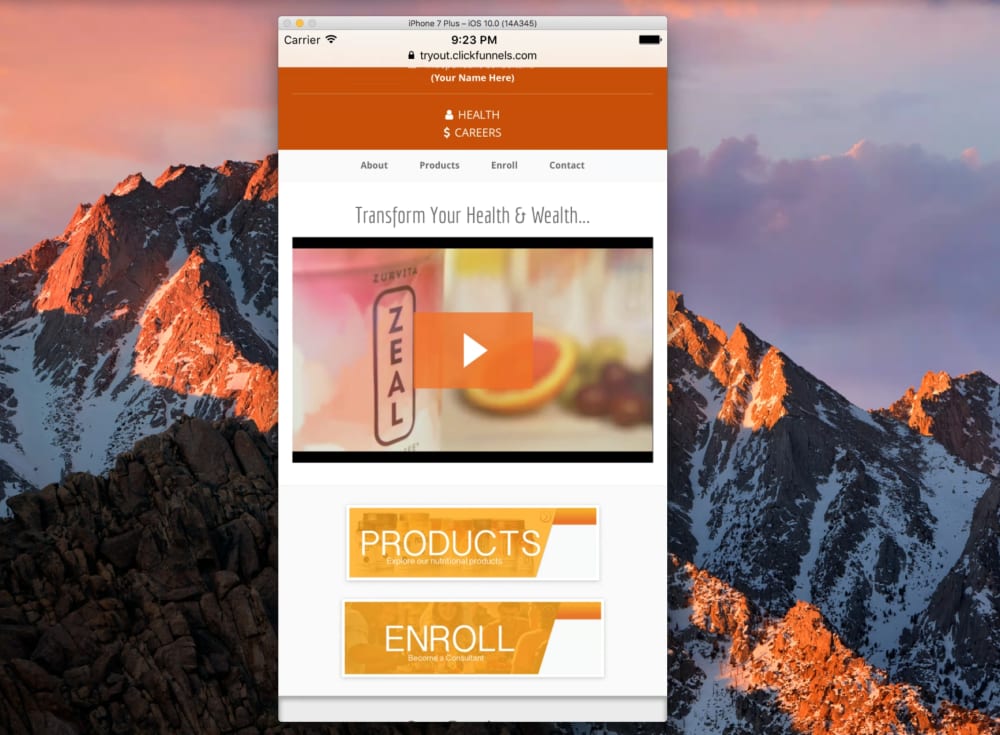
Health And Wealth Optin Page (Mobile)

Health And Wealth Optin Page (Mobile)

* **CLICK IMAGE TO PREVIEW**
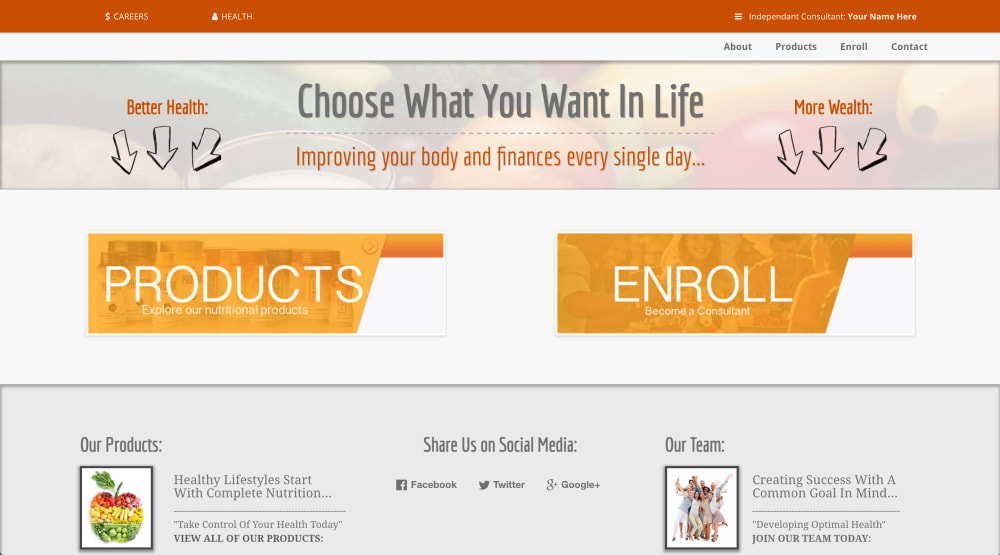
Health And Wealth Thank You Page (Desktop)

Health And Wealth Thank You Page (Desktop)

**View Live Thank You Page:** [https://tryout.clickfunnels.com/health-and-wealth-options](https://tryout.clickfunnels.com/health-and-wealth-options)
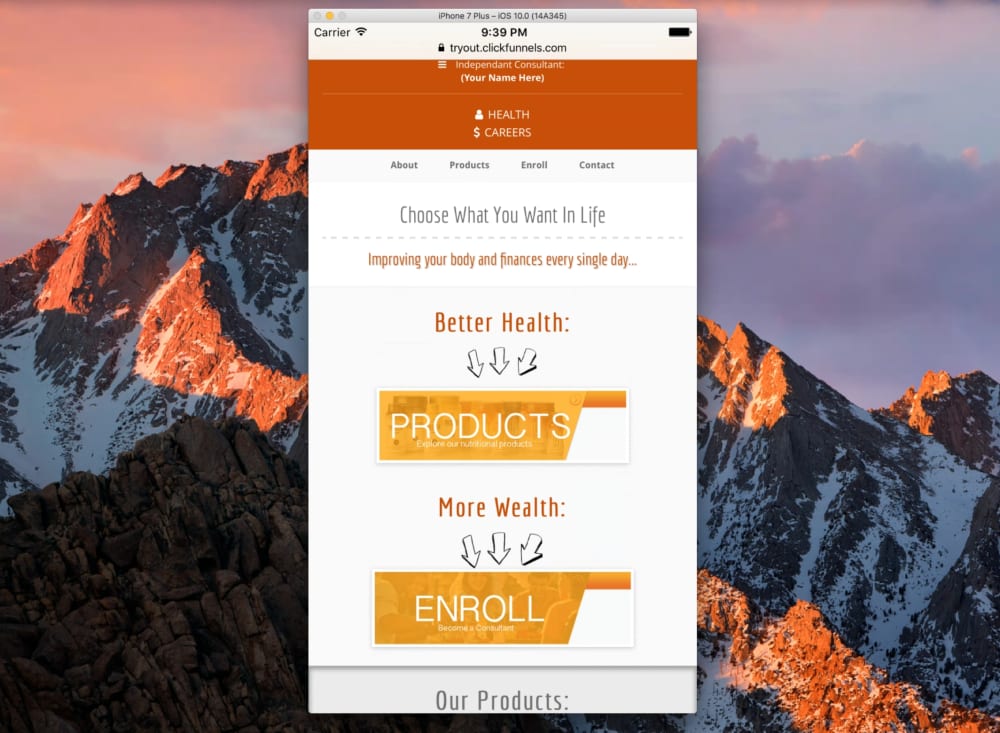
Health And Wealth Thank You Page (Mobile)

Health And Wealth Thank You Page (Mobile)

* **CLICK IMAGE TO PREVIEW**
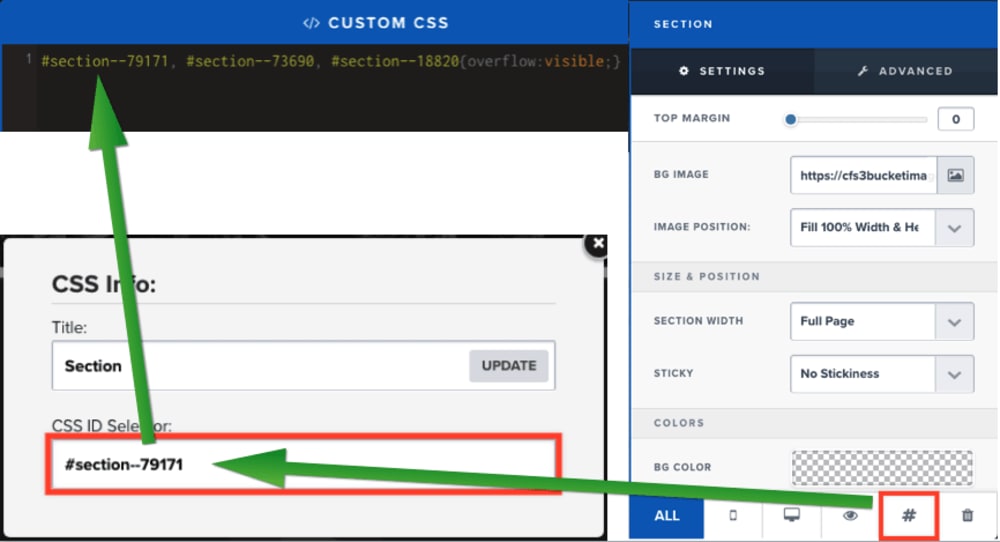
Custom CSS Code:

Custom CSS Code:

This funnel contains custom CSS code that allows the overflow of a lower section to be visible over the top of another section. You can edit this code to reflect the corresponding section ID found in the CSS settings of the section that you wish to display on top by removing the existing section ID in the CSS settings of the page editor, and pasting in the new section ID in it's place while separating multiple sections by commas as shown in this screenshot. **Remember to save the page editor after making this change to allow the visual effect to show on the live version of the page...