6 pages 6 emails
6 Screenshots
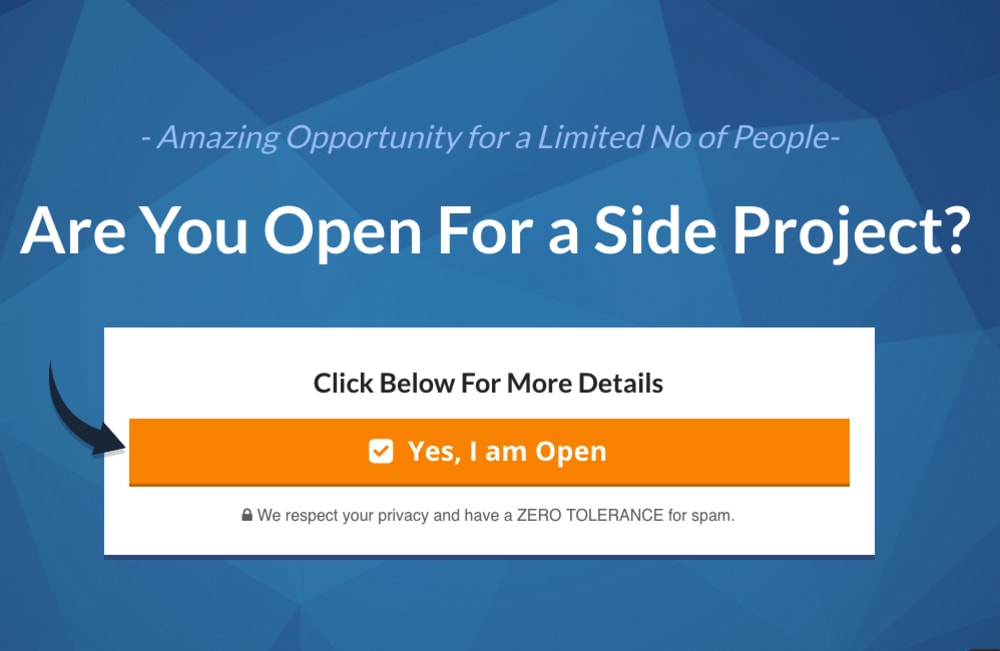
Page1: Initial qualification
This process starts first by checking who is open for a business opportunity. All text here is changeable. You can change the text the way you prefer but I recommend you keep the same idea.
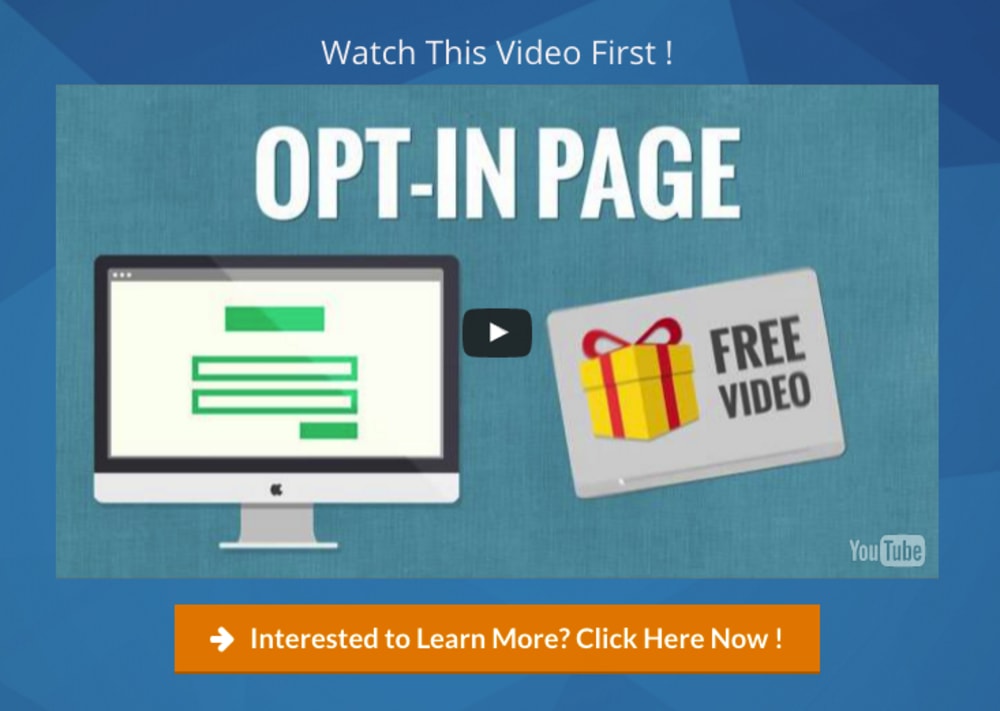
Page 2: Getting a qualified prospect
If the prospect is open, then you share a short video (5-10mn) where you share your vision or it could be your company video. The objective here is just to create curiosity and not to explain the details of the opportunity. A button will appear after a set time that you can adjust according to the video length. (In this template the timer is set at 2 mn). When the prospects are interested, they click the button yes, I am interested .At this point only, they become qualified prospects. You will be able to capture their information in the next page.
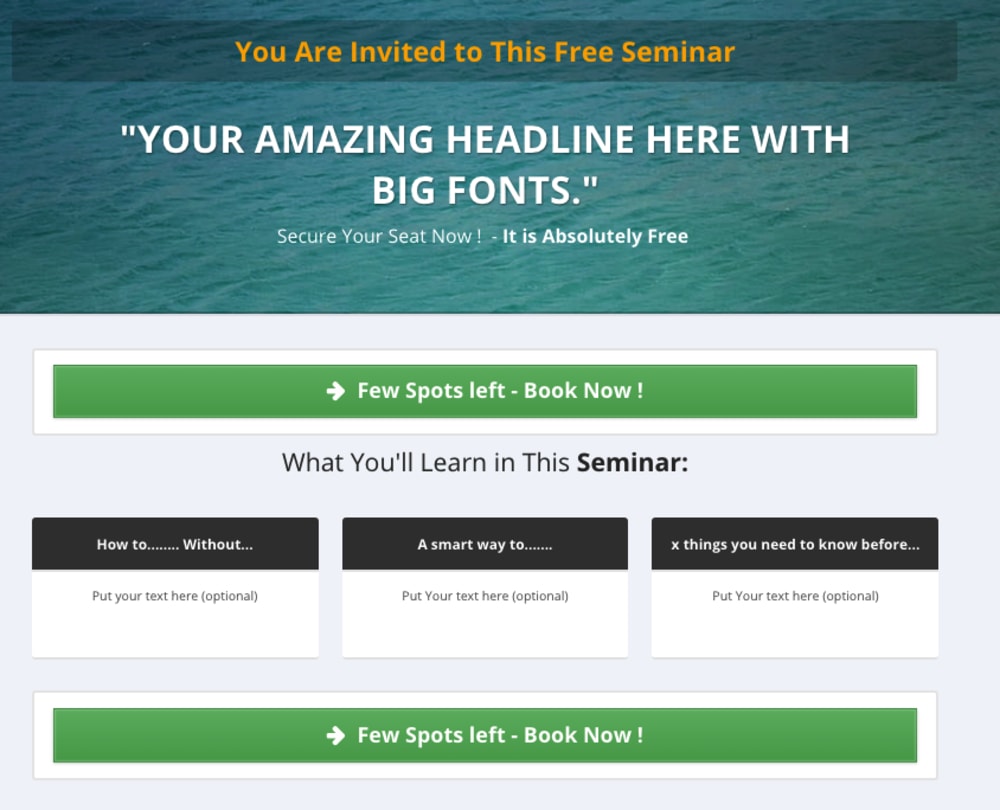
Page 3: Invitation to a seminar
Qualified prospects are invited to a seminar where an online presentation will be made by an authority figure in the company (like a successful leader..). Instead of going to a hotel, the prospects will attend it comfortably from their home. The prospects have to put their details here. All texts are changeable.
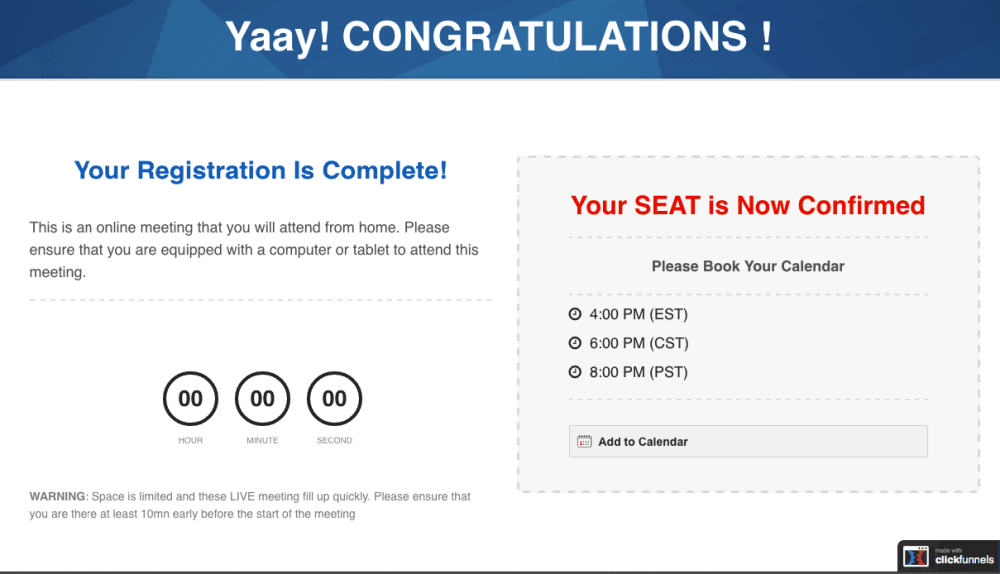
Page 4: Seminar Confirmation
Once name and email are submitted, the prospects will receive a confirmation of registration. Here they will have to choose to watch the seminar immediately (yesterday’s replay) or choose another date and time. There is a built-in follow up sequence (by email) to remind them about the timing of the seminar.
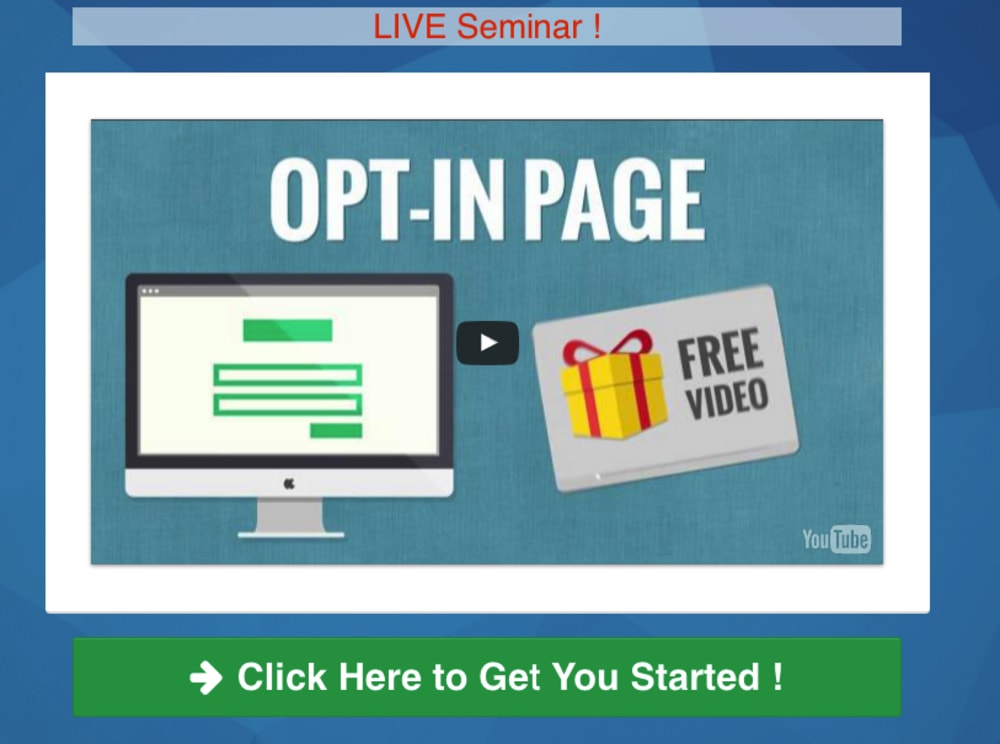
Page 5: Seminar broadcast
During the broadcast, the prospects will be triggered to click to proceed to get started. Once they click on it, they will get a sign-up link or simply a link to call you to finalize it manually over the phone.
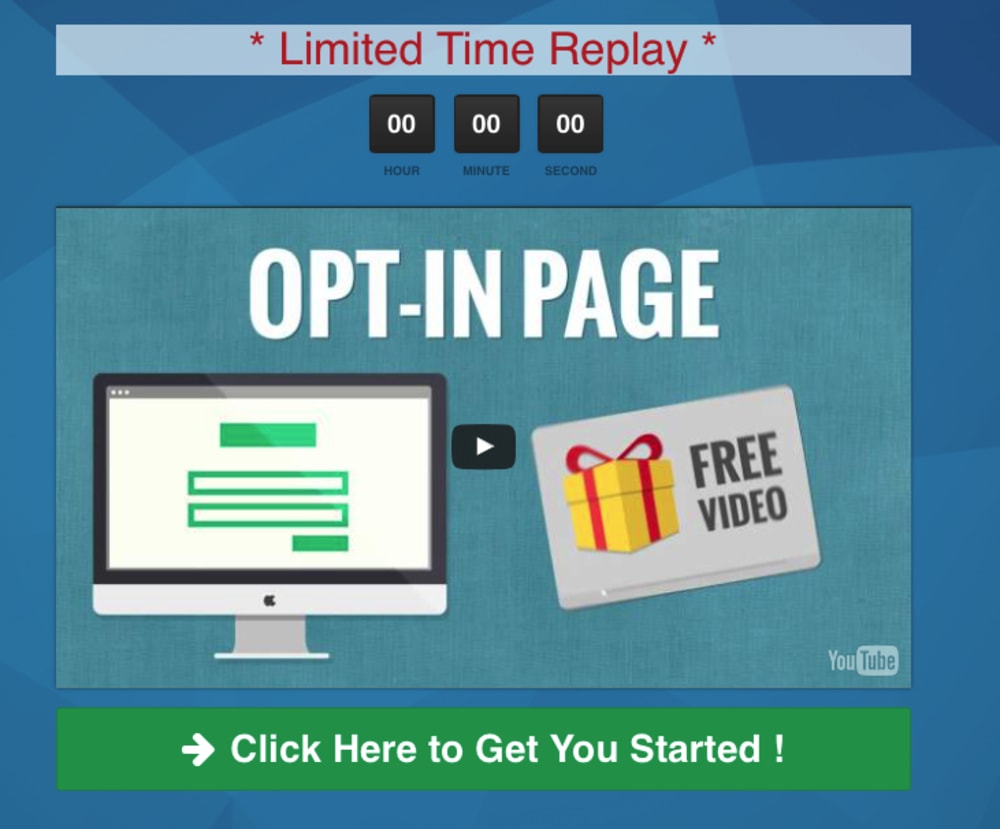
Page 6: Seminar replay
If the prospect does not attend the live broadcast, they will get an automatic email follow up to watch a time -limited replay. The call to action is exactly the same as in page 5.
Frequently asked questions
- How can I capture the prospect emails?
- This is the only thing you need to have on top of this funnel, which is autoresponder. You can use Actionetics of Clickfunnel or any other autoresponder (like Aweber, mailchimp, infusionsoft etc)
- Do I have to buy a webinar service, like gotomeeting, webinarjam..?
- Not at all. All this webinar sequence in this funnel is built-in in Clickfunnels.
- Can I change the text?
- Yes, absolutely. All texts are editable.
- How can I insert a video?
- The easiest way is to insert a youtube video. For advanced users, you can insert it from vimeo, wistia, EasyVideoSuite or HTML5.
- I need help to setup this funnel
- Please book a session at http://coachyas.com/coaching
1 Review
Eric Benitez
Rated 3 out of 5You have many things set up but to edit the autoresponder that's already included is a hassle. Tried communicating with seller through link and got me to another funnel to a video. Just wanted some help on how to update text in autoresponder sequence.