![[WEBSITE + FUNNEL] Sales Funnel, Support Pages, About & More!](https://res.cloudinary.com/dchtylhoc/image/upload/c_fill,f_auto,h_630,q_auto,w_1200/n0mphucj7cid6tn9gtct)
11 pages 0 emails
8 Screenshots
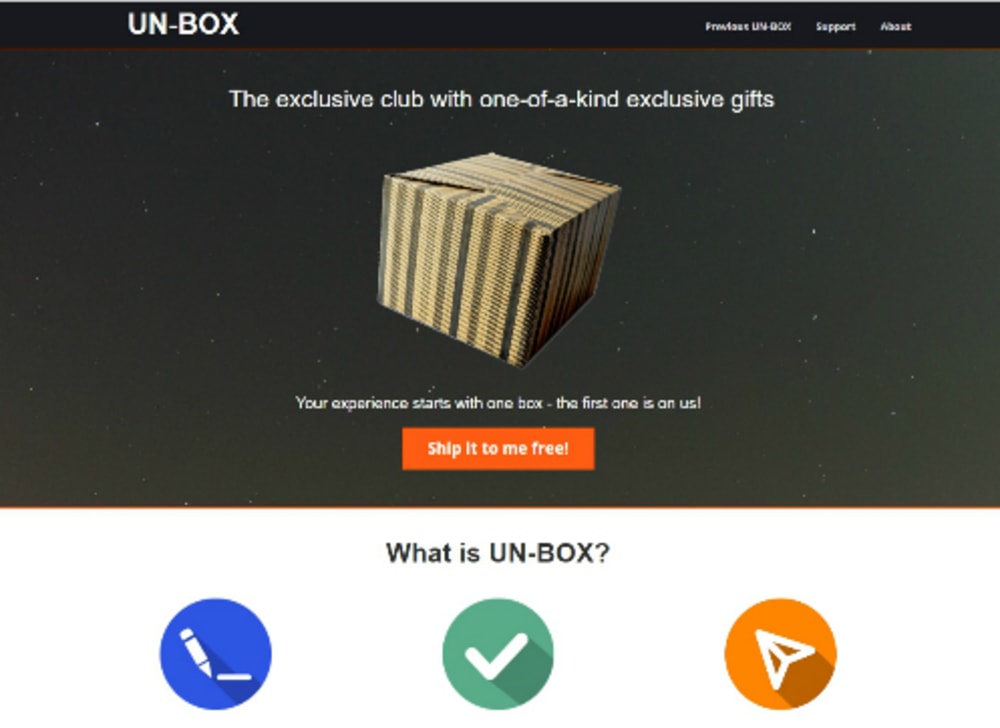
Home Page
Your homepage will provide information about your product, display customers experiences and refer to your promotion and call to action button. This page includes a popup modal that includes a desktop version and mobile version to edit.
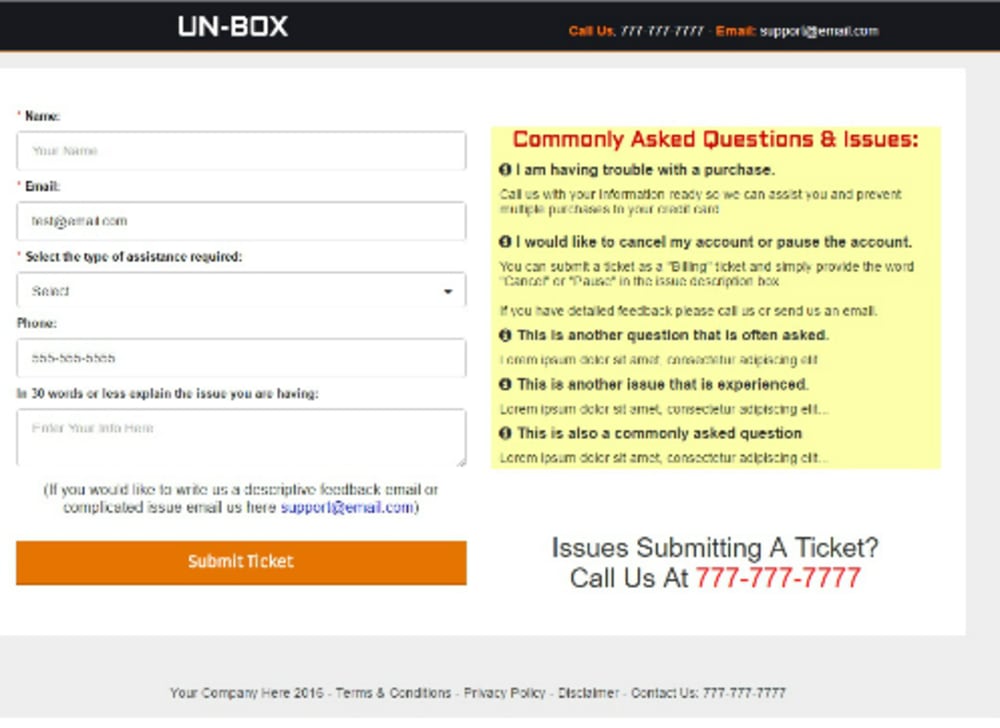
BONUS Support Page + Confirmation Page
This funnel includes a support pages with F.A.Q. and input forms, drop-down lists and a textform area. IMPORTANT: Configure this with an Email Notification under the Automation tab to receive ''tickets'' from your customers or visitors. The page will be directed to a ''Ticket Confirmation Page''that is included in this funnel.
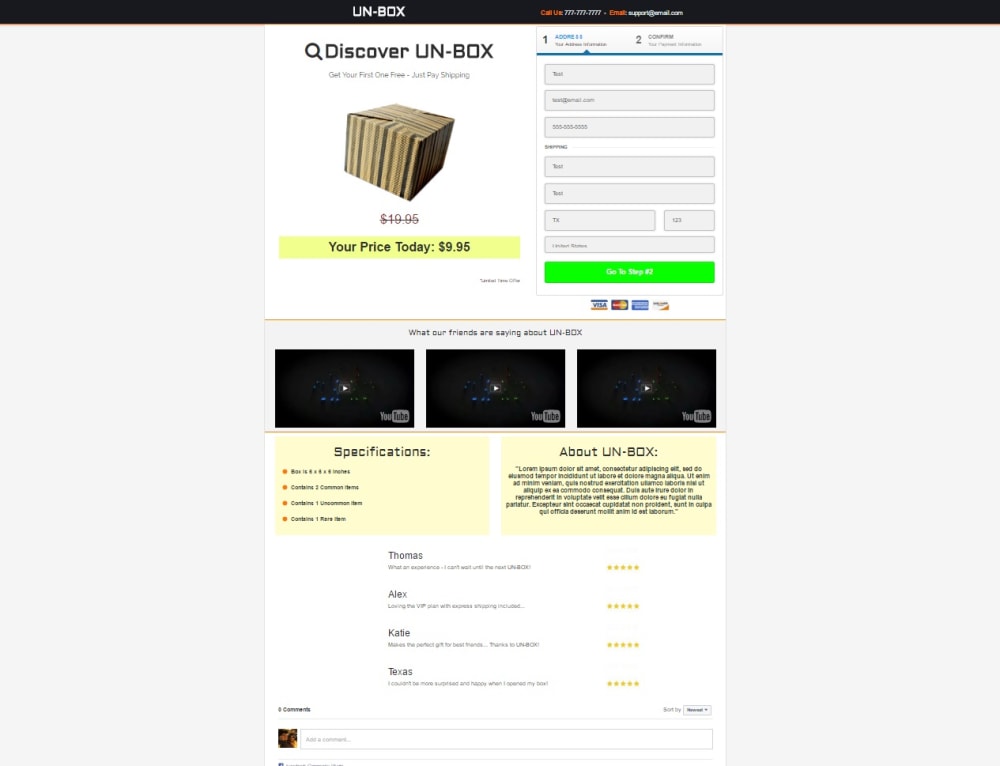
One Time Order Page + Promotion Order Page
The order pages will include review and testimonials area, product description area and story / about area. Adding social proof is recommended and using the facebook comments plugin on the page is recommended once you've received reviews.
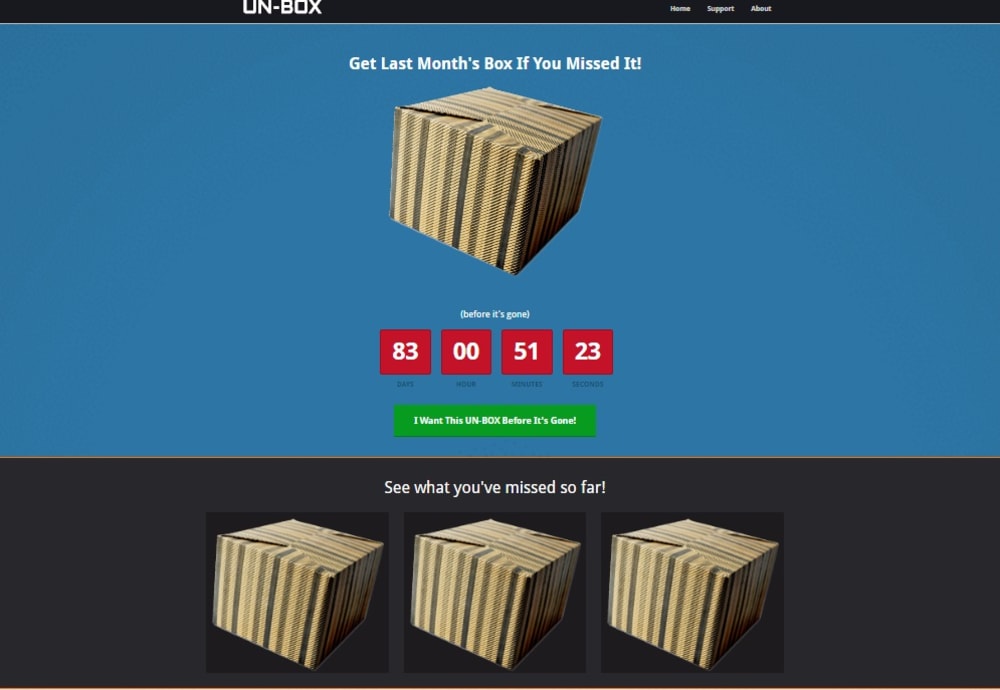
One Time Purchase Page
Here you can use the date countdown or evergreen countdown timer to limit the availability of an offer. This can be "last month's box" for example or a separate or unique offer from the one on your homepage.
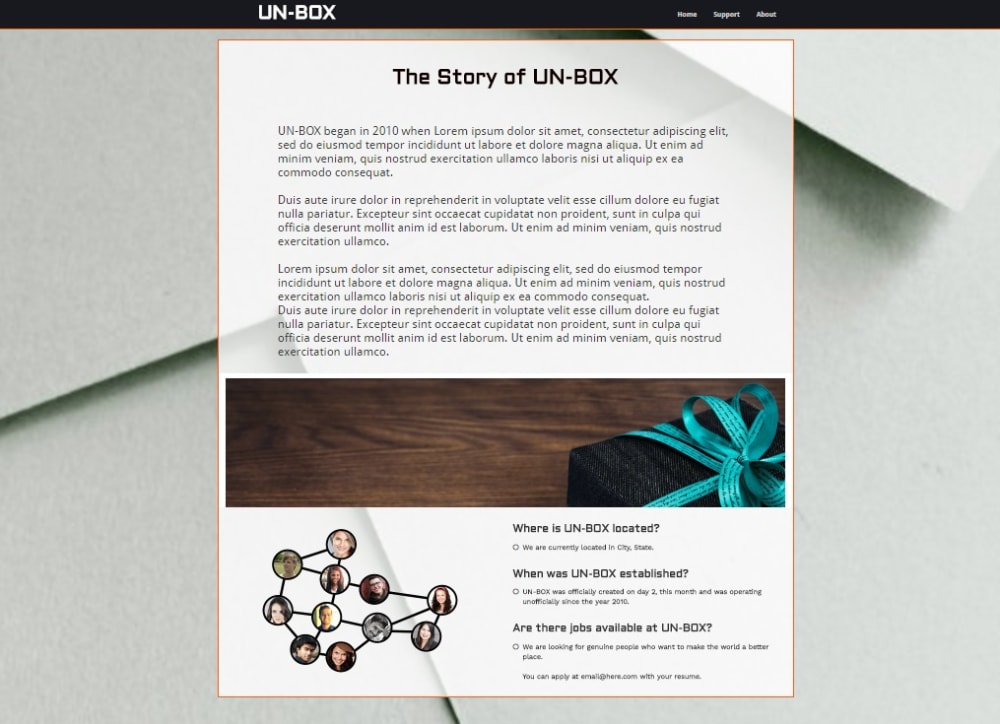
About / Story Page
Here you can continue to build a connection with your visitors and customers. Provide the history of your product or company here and information about your team and what makes you unique compared to your competitors.
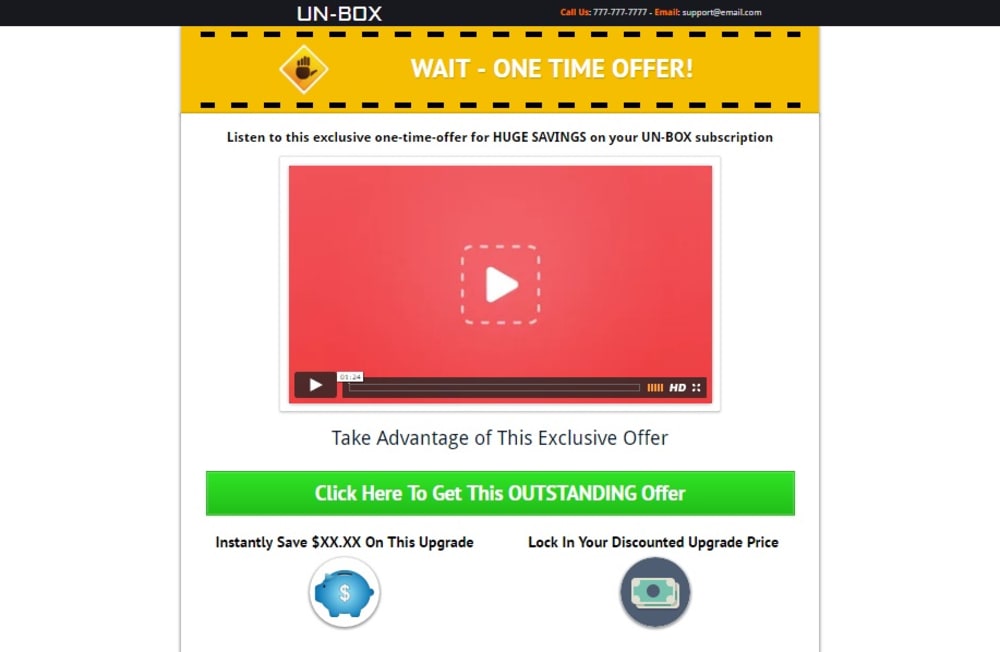
Upsell Offer Page
Capture and draw attention to the exclusive one time offer and use a video or content with sales copy to present your upsell that offer value and improve the experience of your customer.
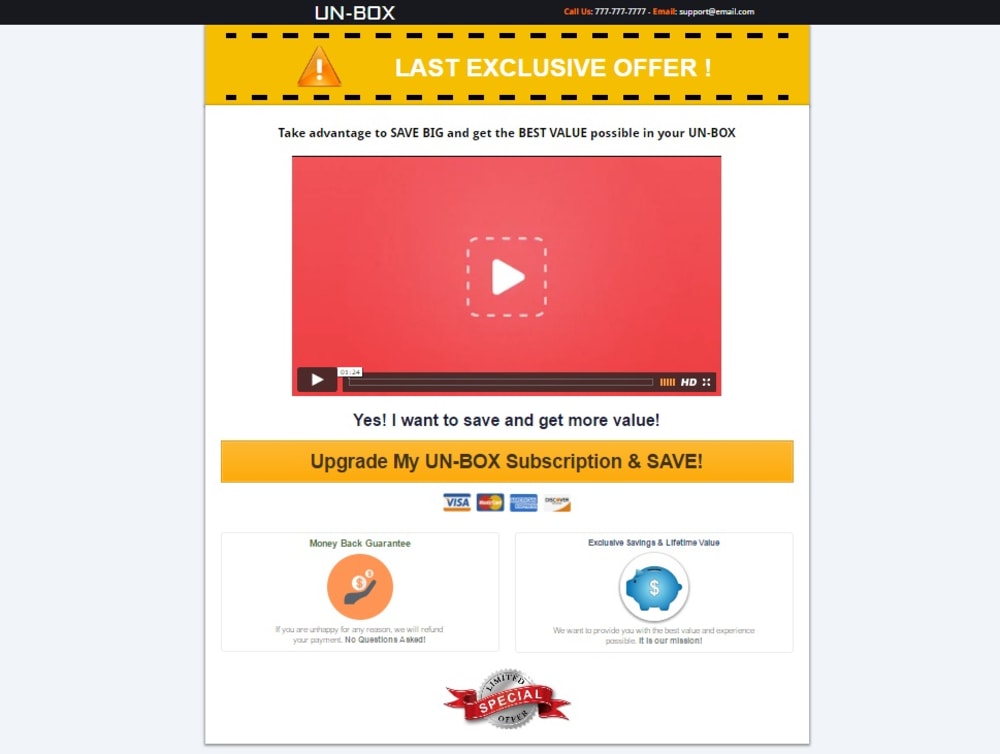
Downsell Offer Page
Provide one last offer to improve your customer's experience and increase your sales. This page clearly announces that this is the last time they will see this alternative, but great offer.
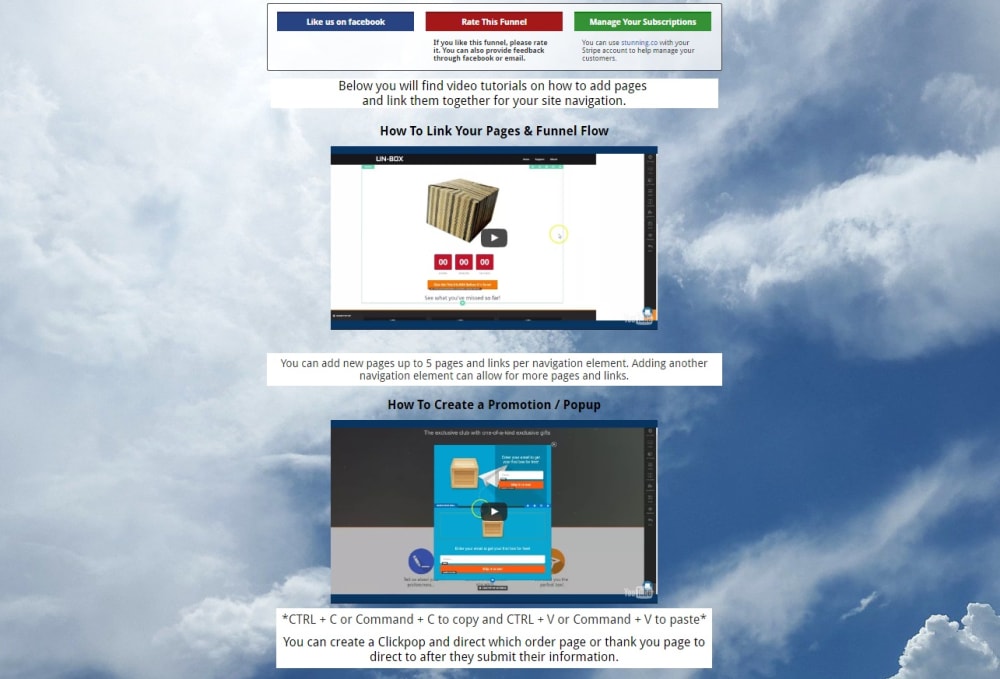
Funnel Setup Guide Page
This funnel includes a page that will provide tutorials regarding how to link your website navigation on your pages and the one time purchase order page to the order confirmation page.
Frequently asked questions
- How can I manage my subscriptions?
- You can use https://stunning.co with Stripe to help manage the subscriptions and payment information of your customers.
- How can I sell my product?
- You will need to use Stripe or Braintree to create subscription plans and accept payments for one time purchases or subscribed members.
- Can I edit the template or add new pages?
- You can add new pages and link them to each other through the navigation - there is a video tutorial included to see how to link your website's pages to one another.
- Images and Text
- All of the images or text can be used in your funnel as they are commercial use and royalty free. Although I recommend adding your brand and own custom icons, sales copy and branding to complete your funnel.