4 pages 0 emails
7 Screenshots
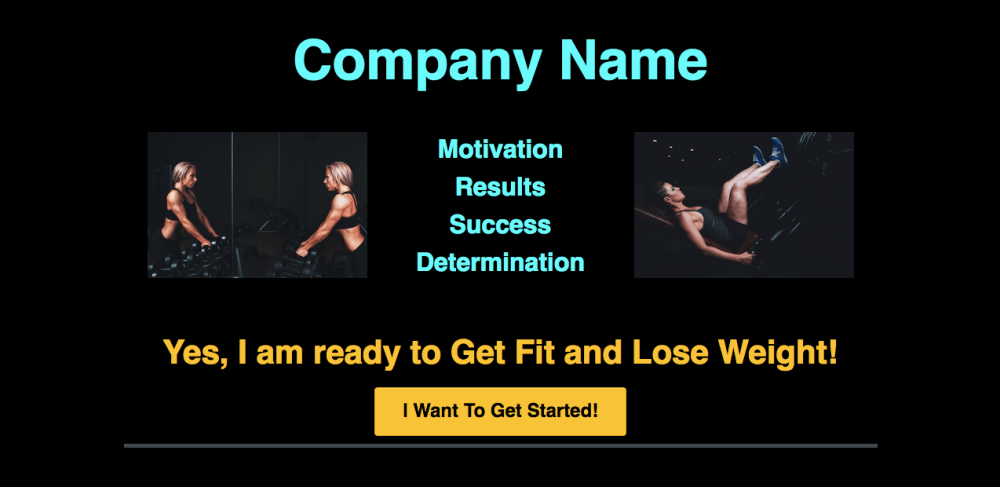
Personal Training Session Opt In Above The Fold
Here you can add your company name or if you have a logo you can delete header and add image element for logo. Images of you or of you training clients demonstrates ability. Lead can then click on button to get started.
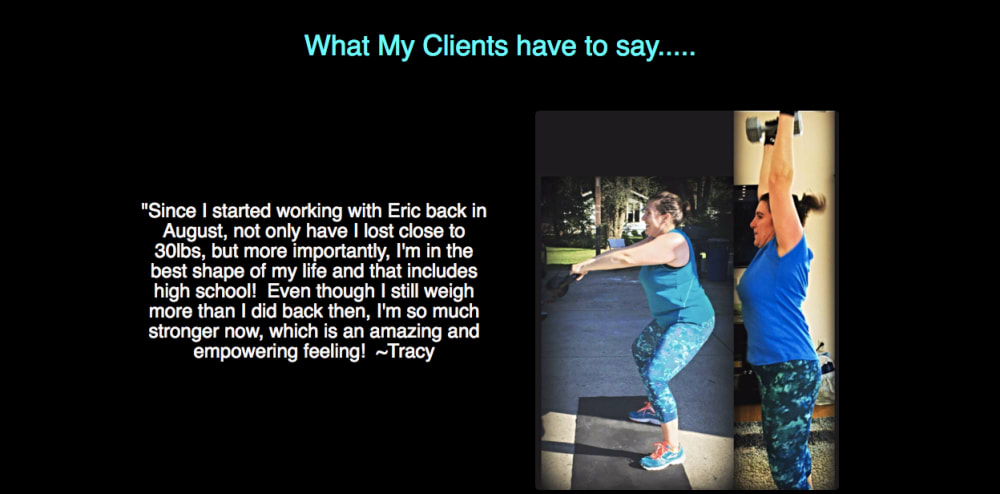
Personal Training Session Opt In Below The Fold
Below the initial Opt In button includes 2 sections for client testimonials. An image can be included along with written testimonial.
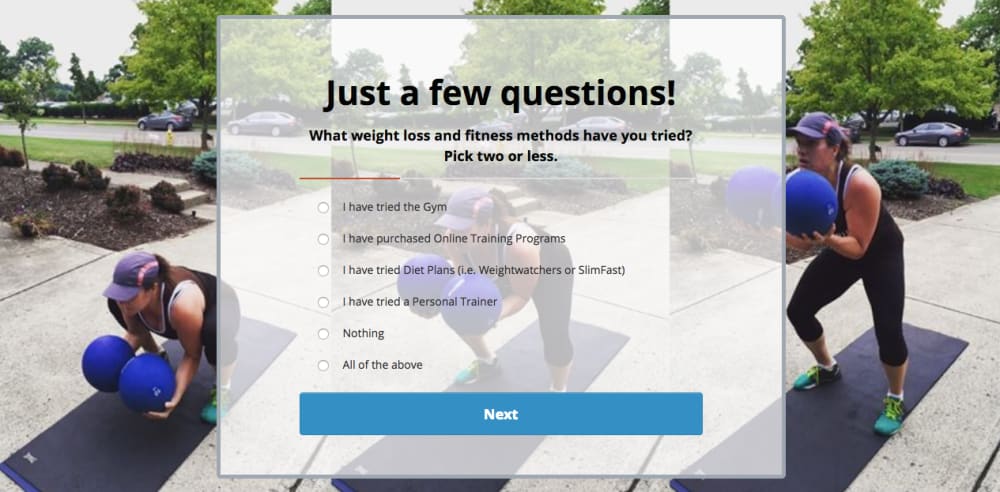
Survey Page
Next the lead then answers a series of quick questions before scheduling a call using the personal trainers calendly. Questions included are as follows and are designed to determine leads goals and how serious they are: What weight loss and fitness methods have you tried? Are you ready to commit 100%? What are your health and fitness goals? How many times a week do you want to workout? Background image can be changed to include your own clients at work.
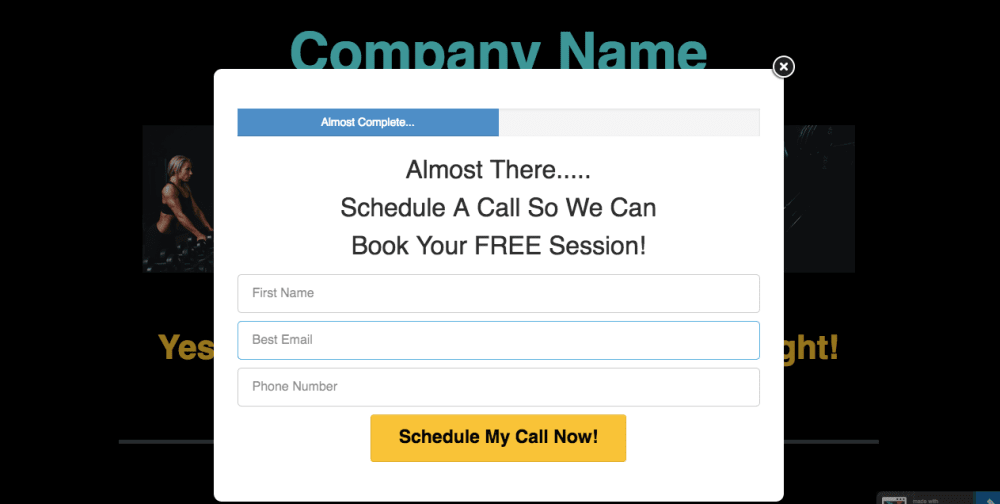
Pop Up to Schedule Call
Once lead clicks on button to get started a pop up opens to capture name, email, and number to then schedule a call with personal trainer to then set up a free session.
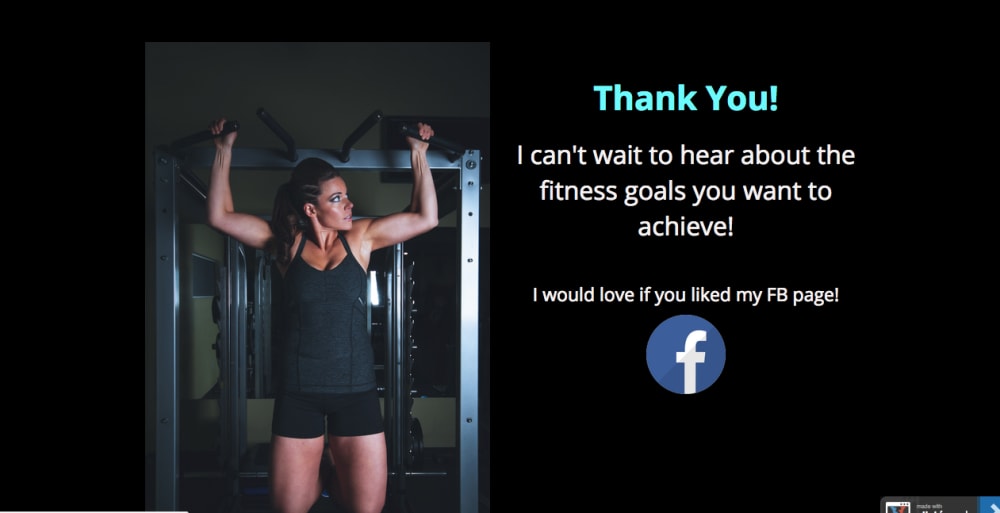
Thank You Page
Finally the thank you page which also includes a call to action for lead to like your Facebook page. You can click on the Facebook Logo image inside the editor and paste your Facebook page URL in into the link URL.
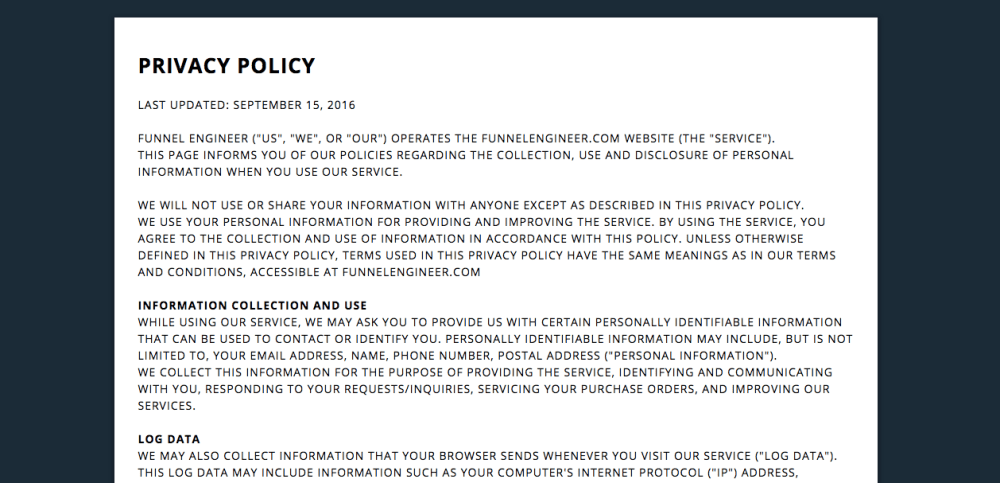
Privacy Policy Page
Also included is a privacy policy page for you to include YOUR OWN Privacy Policy. This is necessary when doing Facebook Ads.
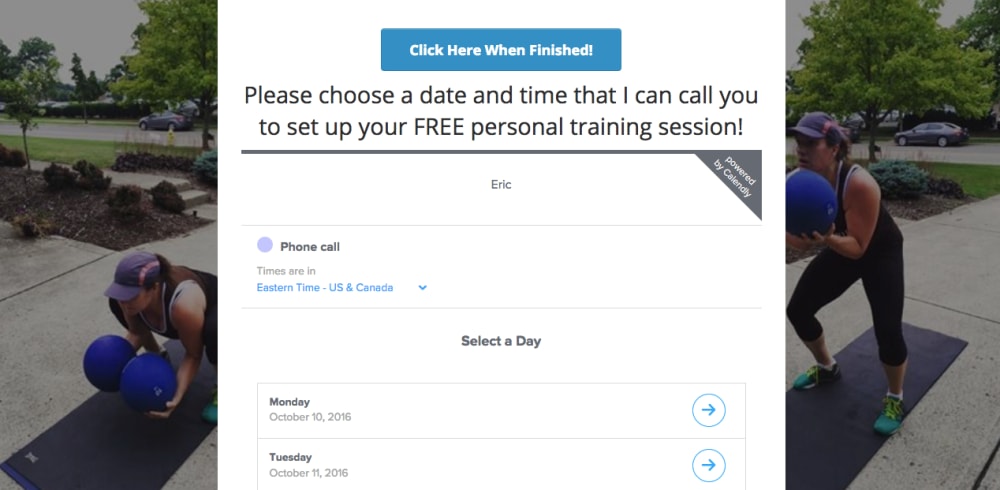
Popup To Select Date and Time for Call
Here lead can select date and time that you have set forth ahead of time and that works best for them for you to call and book live session. Calendly.com is the perfect software for scheduling events, and allows you to embed the entire scheduler into any page, and also allow you to sync the events to your Google Calendar. To embed your Calendly Event onto the popup simply go into to the page editor, click the "CUSTOM JAVASCRIPT / HTML" Element, then paste in the "INLINE Widget Embed Code" you get from Calendly into the box to the right of your screen. Go to http://help.calendly.com/article/103-get-embed-code for a guide on how to find a and get your embed code. If you do not yet have a Calendly account, you can get started for FREE at https://calendly.com/
Frequently asked questions
- Can I use the images in the funnel?
- As a personal trainer it is important to brand yourself and build trust with your potential clients. Images used are for demonstration purposes.
- Can you help me with editing the funnel and with my Facebook Ads?
- Possibly! If interested in working with me further don't hesitate to reach out!
- Can I use the Privacy Policy included?
- I am not a lawyer and can't advise on legal matters. The privacy policy here is a place holder and you should have your own privacy policy drafted.