2 pages 1 emails
5 Screenshots
Top Image
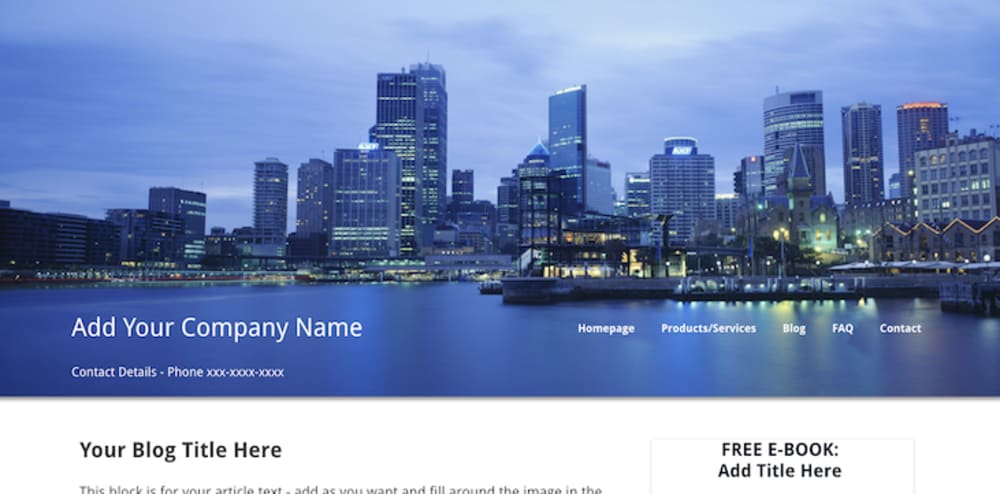
This is a image you can use but would suggest you use your own to get a distinctive look. The best would be to choose one that has a dark lower half. If you can't find one contact me and we can look for one. Amend company name, phone number. Navigation - link these to your own website or add own pages to the funnel. Increase or reduce these as required.
Optin - on popup
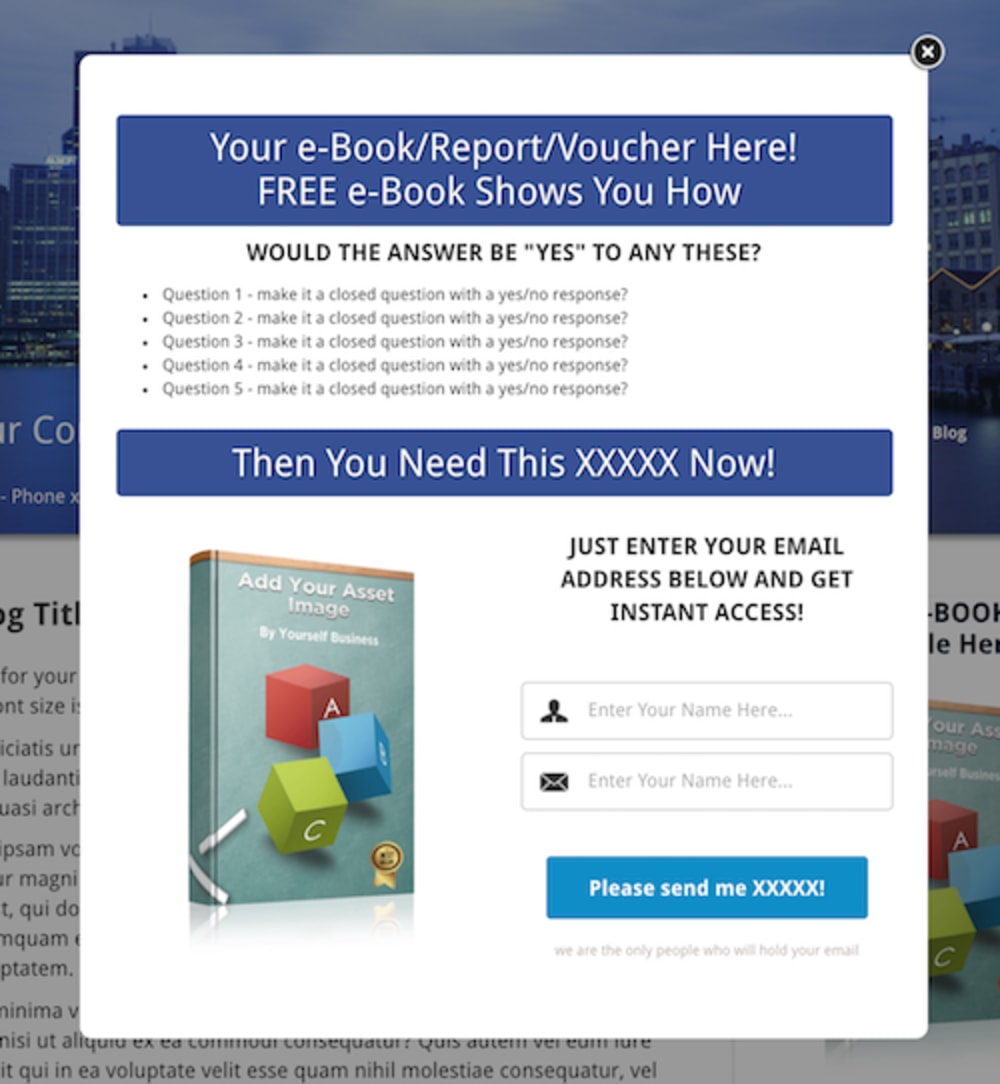
On your funnel as visitor leaves there will be a popup offering the ebook. Amend title image and message to reflect your offering. Remember to set up your email provider on the Settings.
Bottom Section
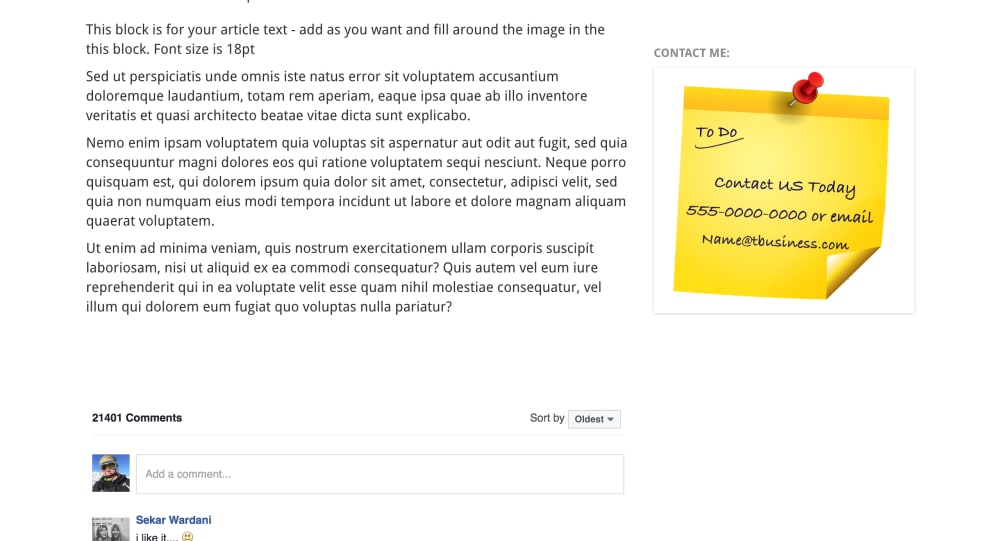
the bottom of the article page has the remainder of the text of the article. You can add the FB comments or delete it. The Contact image on right hand side - if you buy the optin form then contact me and we'll update this with your details. At the very bottom of the page is Legal Pages - these should have links to your privacy page, disclaimer pages or any other legal page required. You can add to the funnel or link to your current website ones. As I am not a lawyer I can't fill these in for you! The Facebook Comment should be deleted if not required. If you would like your own contact image in right hand side bar contact me with the details and I'll send you your own image with these in.
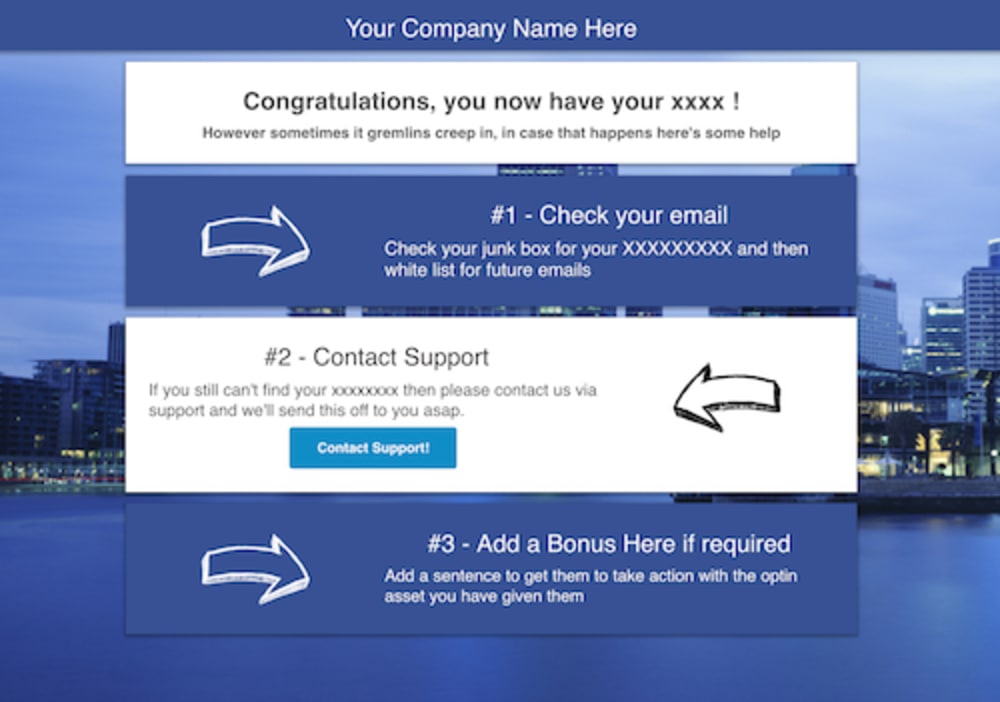
Thank You Page
This is the page for download of voucher/ebook/report. There is also a section for support - the button links the user to your help desk. Enter the URL in the settings for the button. If you don't have a help desk then remove the button and add a email address and link it a email. This will open up their email service to send to you.
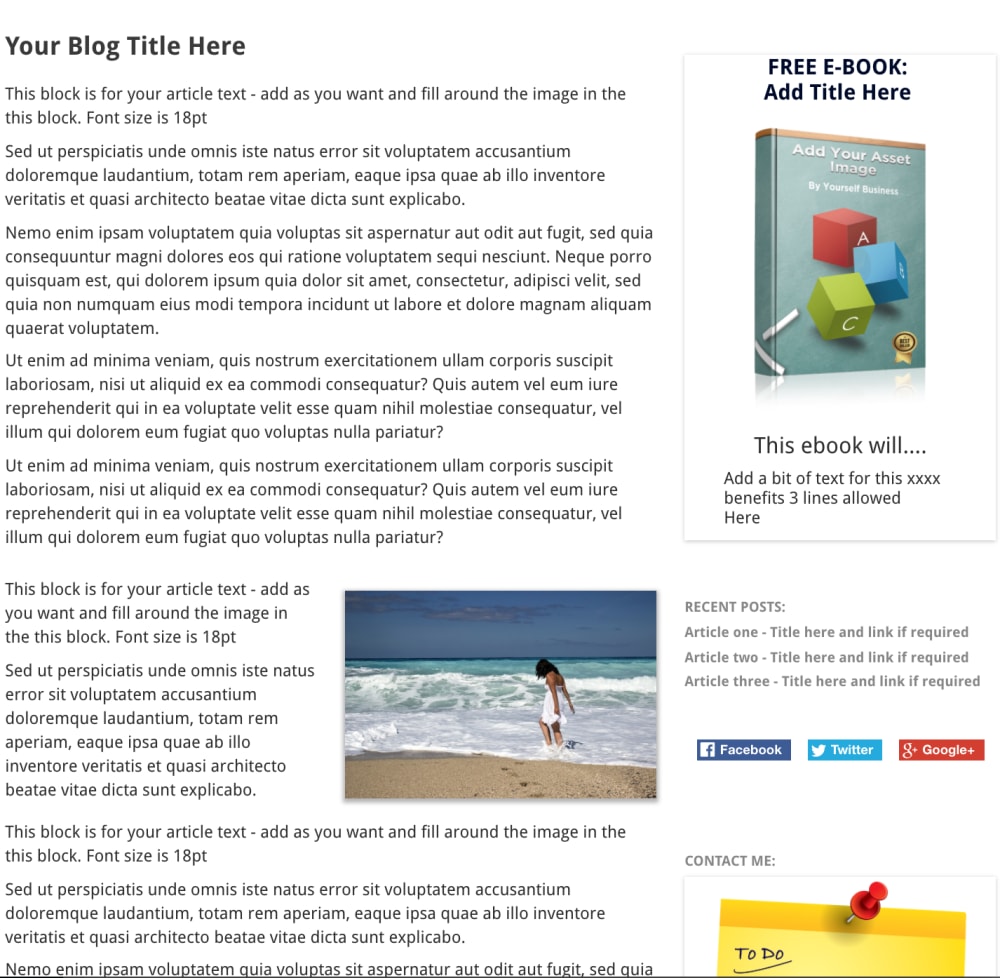
Start of Article and Side bar
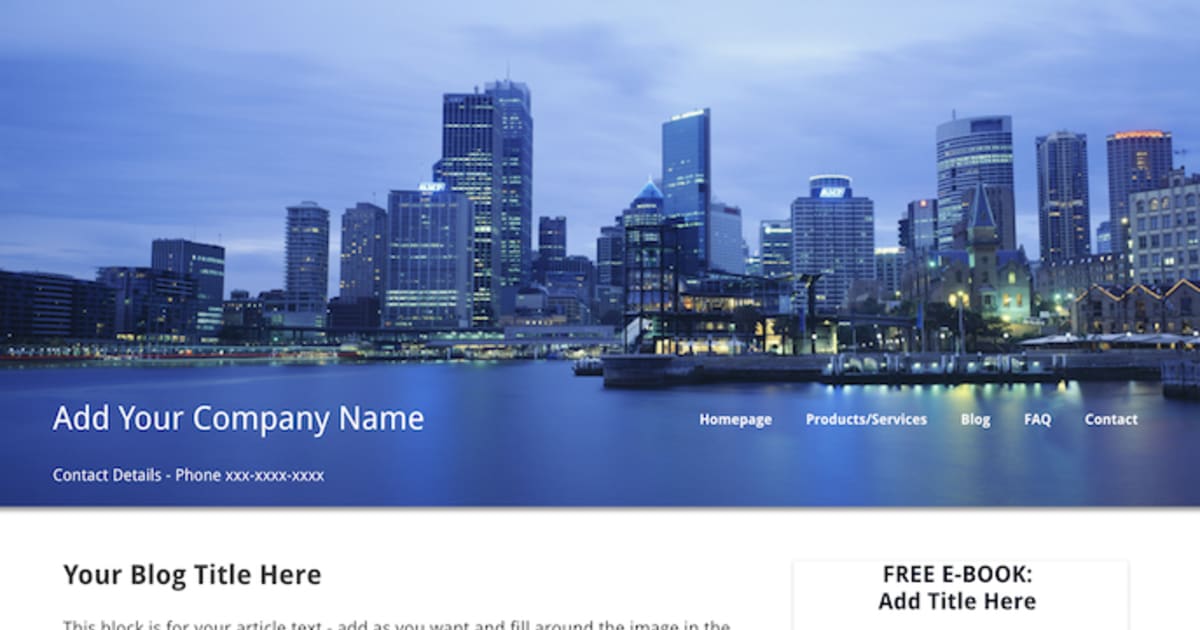
There are four sections here: Top box for the first part of the text. Then a column for image (use appropriate image to reflect the article) and text box. Then on right had side bar your ebook to be replaced with your image. A description and the big promise in the book underneath. To replicate the look and feel of a blog - put in real articles and links to them or delete.
Frequently asked questions
- Can I add an upsell?
- Yes - you can add an upsell that you can sell online.
- What can you use this funnel for?
- It is designed for service providers like estate agents, virtual assistants, personal trainers, but can be adapted for products or affiliates as a product review articles.
- How do I change the navigation?
- Click on the element and edit number of the links you want. Then change the names of the pages and their links.
- Can I use Facebook ads to promote this page?
- Most certainly, and we know FB like to be driven to informative pages and likely to offer lower rates as a result depending on the keyword and traffic profile of course.