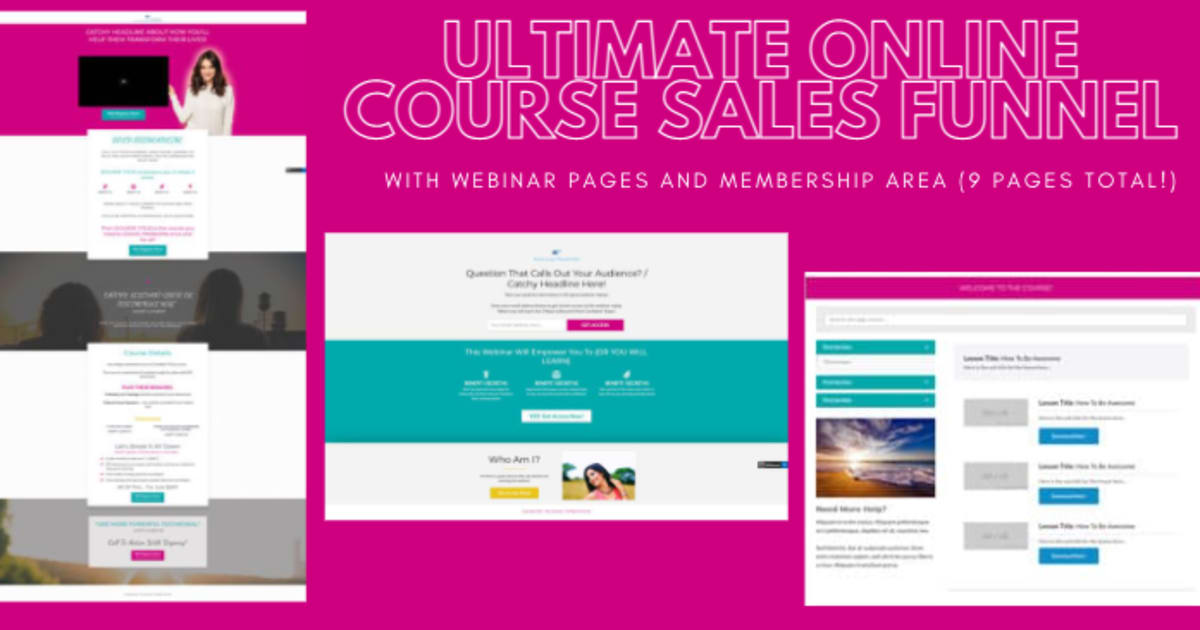
9 pages 0 emails
9 Screenshots
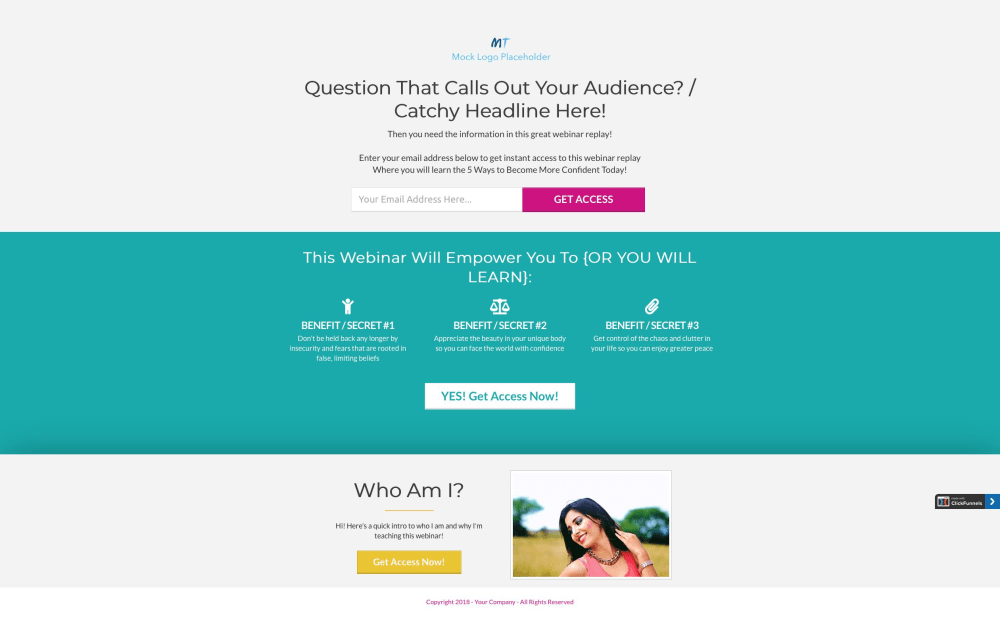
Webinar Registration / Lead Capture Page
This is the first page in the funnel, where you'll send traffic so that you can grow your email list. The page includes the title of your webinar replay, 3 things they'll learn in the webinar or masterclass, your bio, and the email opt-in field. You can also easily convert this page into a classic lead capture page and have people opt in for an ebook or other lead magnet. (CLICK ON IMAGE TO SEE ENTIRE PAGE)
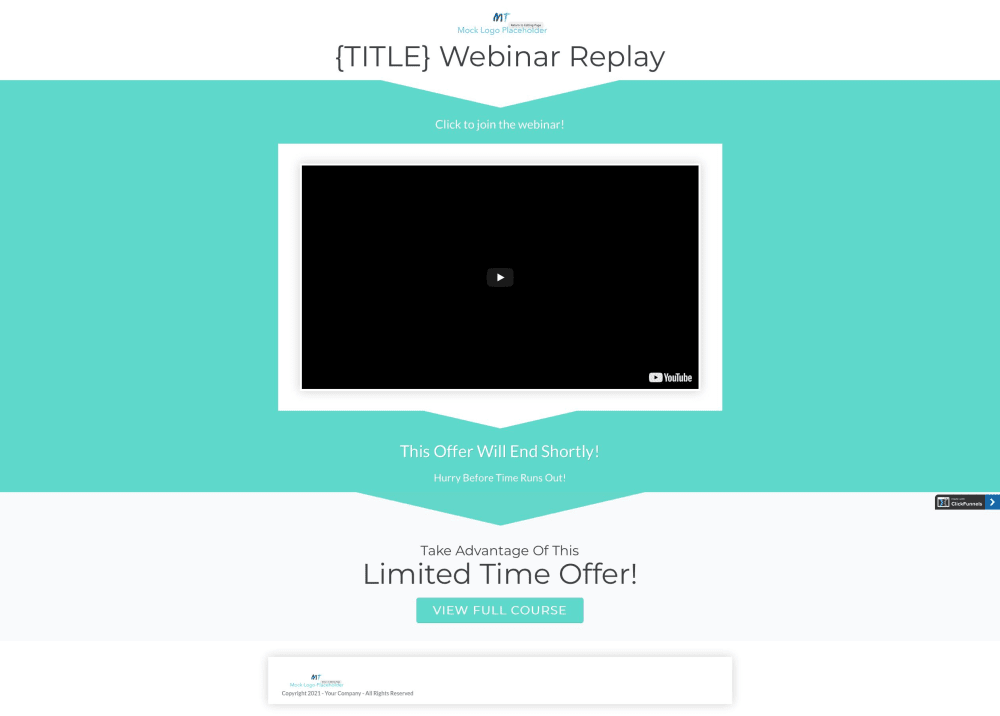
Webinar Replay Page
This page will automatically load after your lead opts in, so you don't lose them after registration. Simply use an unlisted video link from YouTube or Vimeo to put your webinar or masterclass on the page. Make your compelling offer for your course at the end of your presentation so that they're ready to hit the button on the page and purchase! (CLICK ON IMAGE TO SEE ENTIRE PAGE)
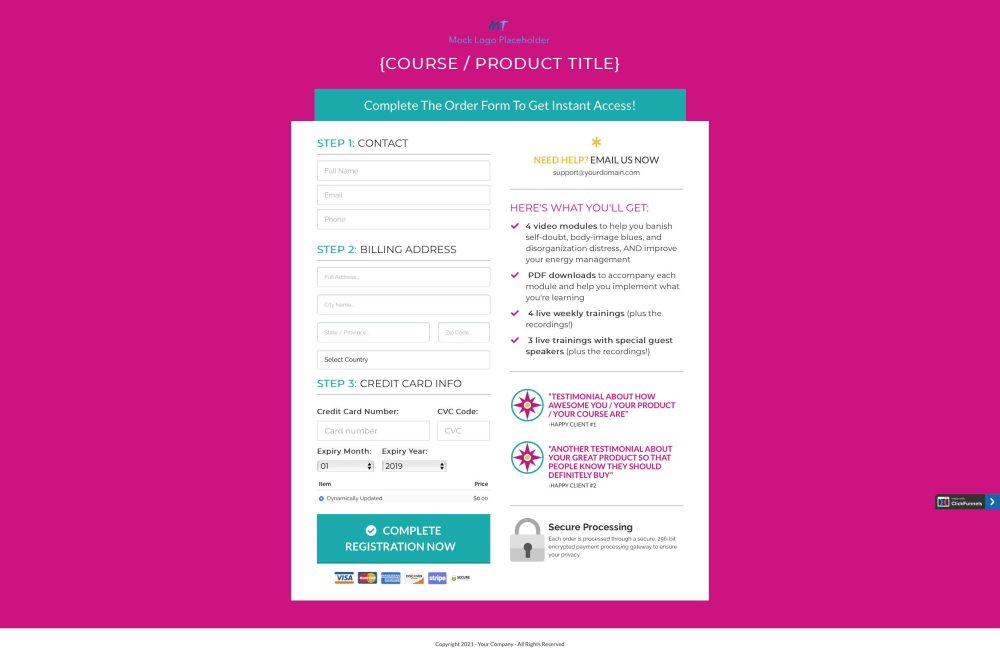
Course Order Form
This bright and clean order form features the payment section, bullet points to highlight what they're getting, two testimonials to overcome any last-minute doubts, and a reminder that it's a secure transaction. It can be customized to add an order bump as well, if you'd like to include a second product on the form (such as a bonus module or workbook, private Facebook group, etc.) (CLICK ON IMAGE TO SEE ENTIRE PAGE)
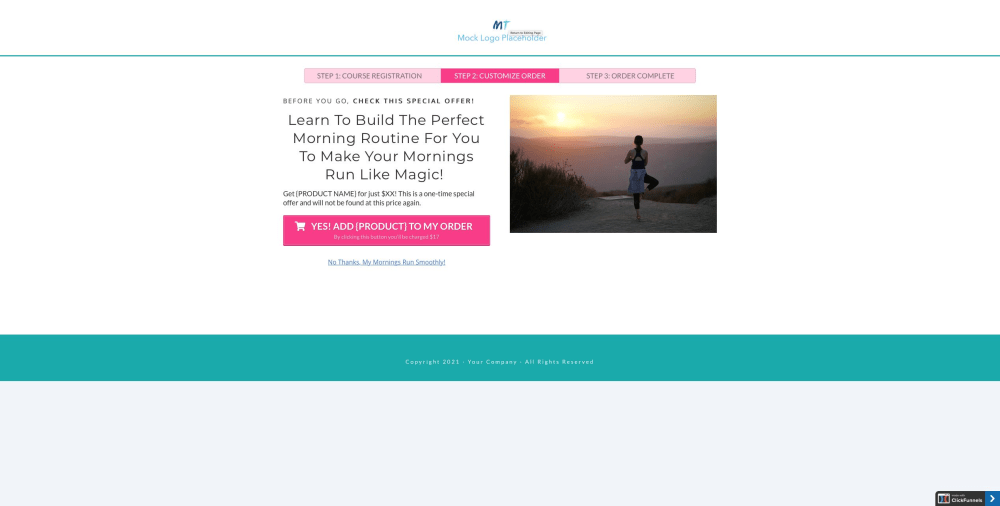
Upsell - One Time Offer - Page
Increase your profits with an upsell page. The page is one-click, so your customers simply click the button, and it immediately charges the credit card they used to purchase the course. It removes the potential friction of requiring someone to type in their billing information a second time, making it easier for them and more likely that you'll get the sale! (CLICK ON IMAGE TO SEE ENTIRE PAGE)
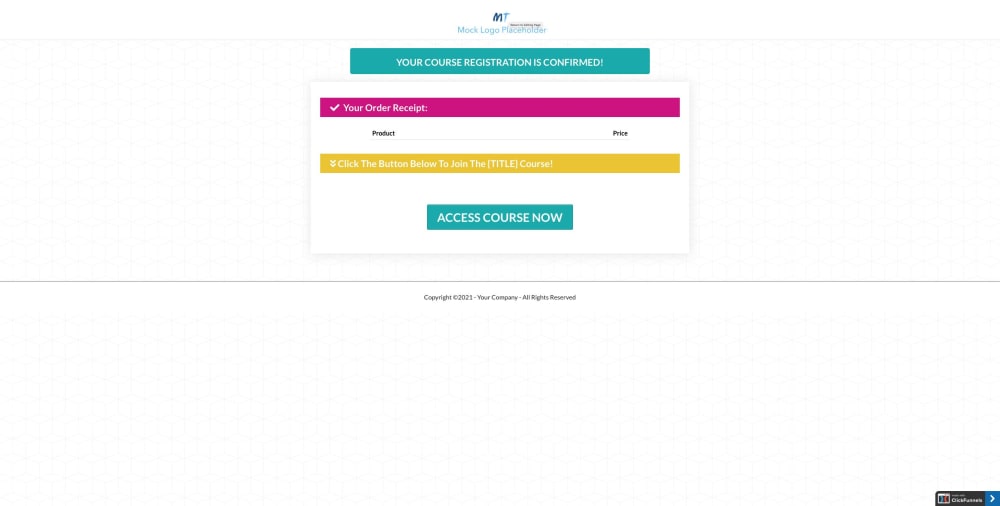
Order Confirmation Page
This page will automatically update with all of the products purchased as the customer went through your funnel. Link the button to your membership access page so that your new students can immediately access the online course. (CLICK ON IMAGE TO SEE ENTIRE PAGE)
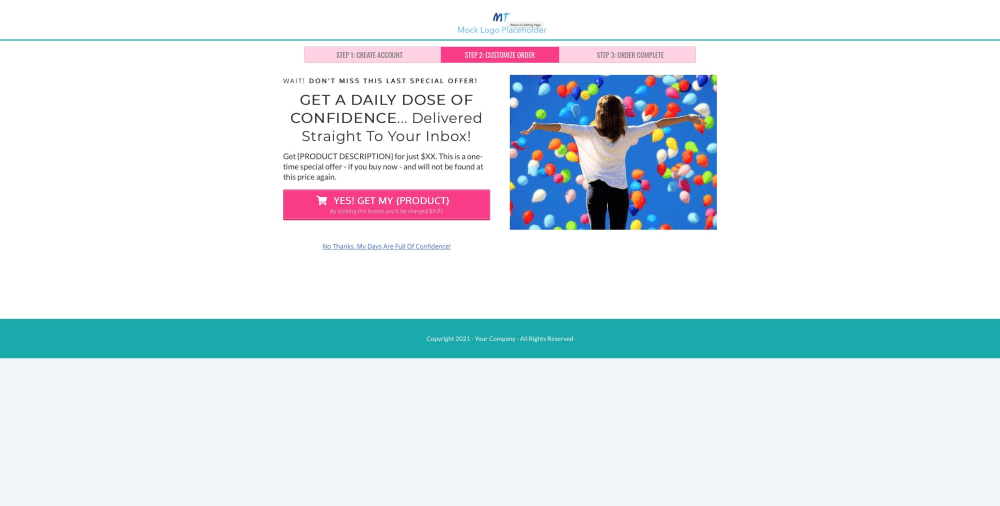
Downsell - One Time Offer - Page
Use this page to give your audience another one time offer, whether it's an upsell for your highest priced offer or a downsell to a product that's less expensive than the one on the upsell page. Also uses one-click button, and page can be duplicated if you need to include any more offers in the funnel. (CLICK ON IMAGE TO SEE ENTIRE PAGE)
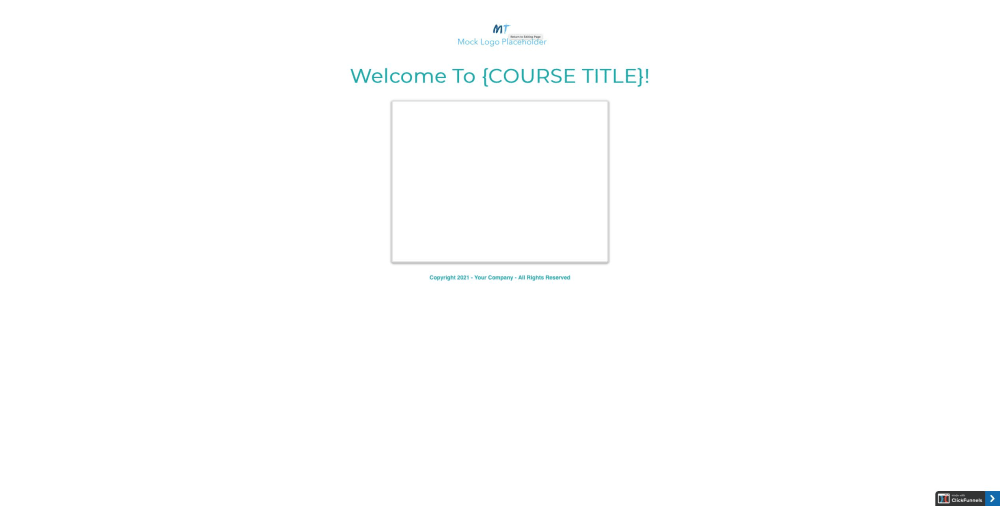
Course / Membership Access Page
Simple, clean page where users will create their account and then log into your course membership area. Page automatically loads the login page (rather than the account creation version of the page) upon the second visit to the page. (CLICK ON IMAGE TO SEE ENTIRE PAGE)
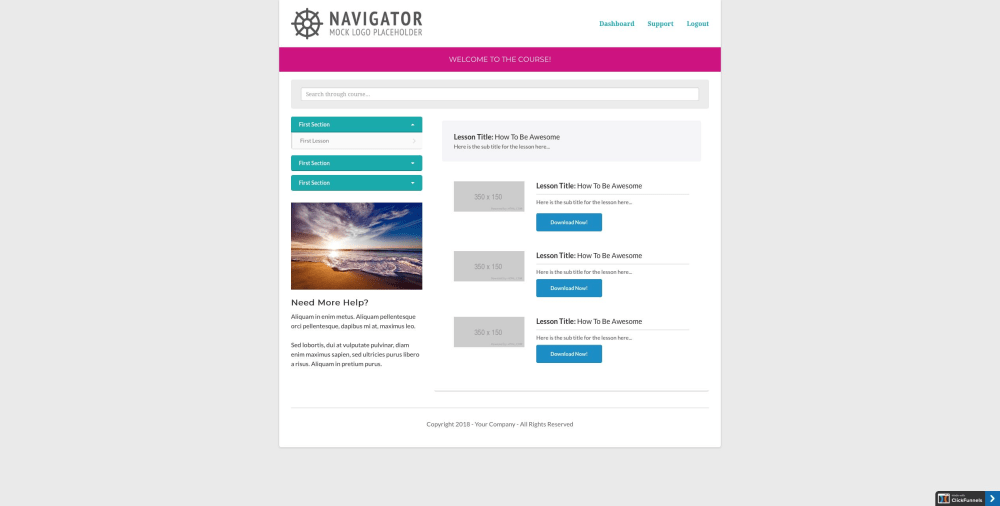
Course / Membership Area
The dashboard is set up for your online course or membership area, so all you need to do is upload your lessons, and it will be ready to launch! (CLICK ON IMAGE TO SEE ENTIRE PAGE)
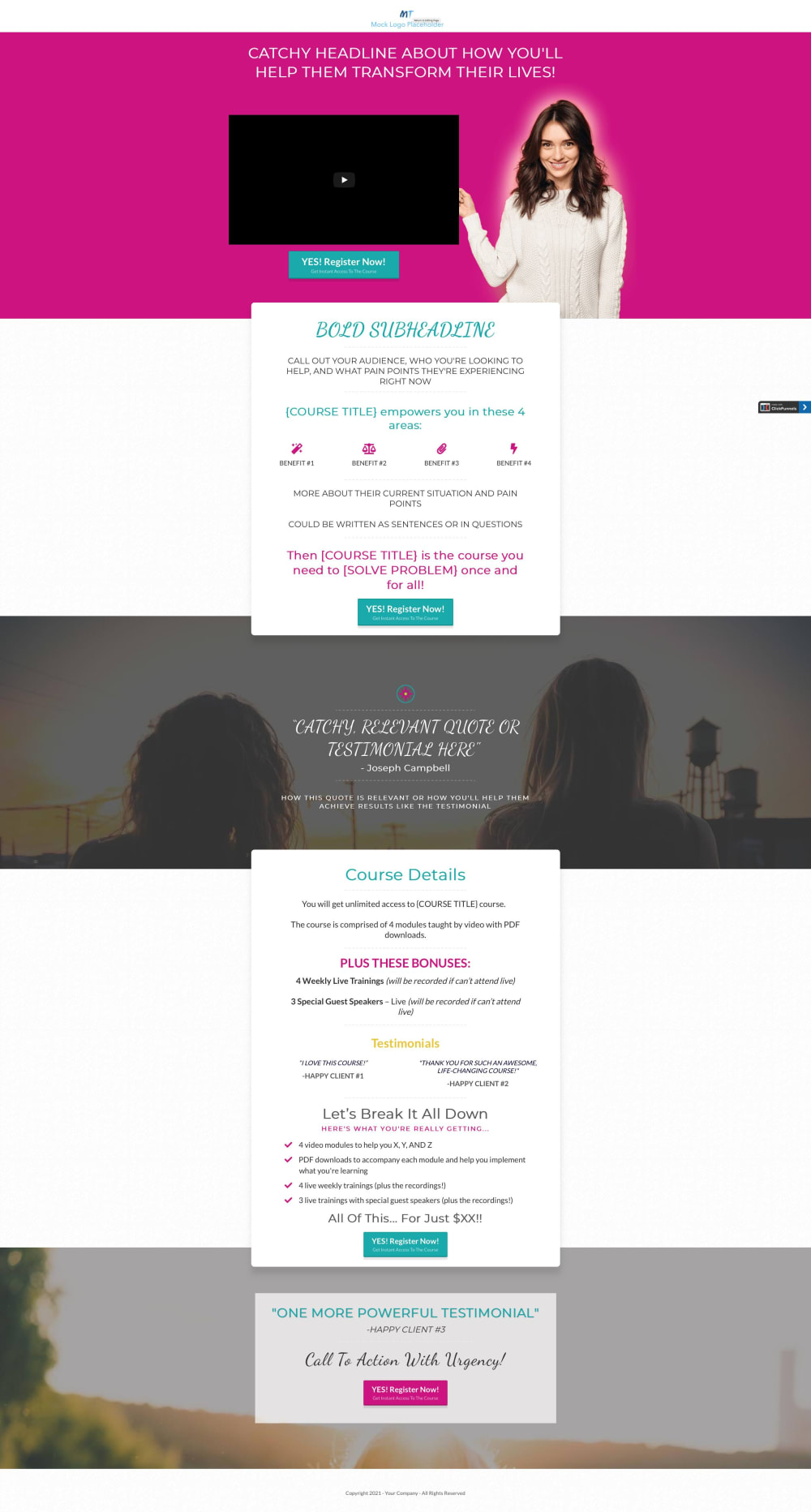
Course Sales Page With Option For Video Sales Letter
This sales page is designed to be used for people who registered for the webinar but didn't purchase the course yet - send them the page link in follow-up emails to close more sales! Sales page features a video element at the top of the page, where you could put the offer from your webinar / masterclass presentation video or another new video that solely focuses on your course. If you don't want to use a video, delete the element and place text there. The page also features places for testimonials, a written sales letter, highlights of the course, and a breakdown of everything they'll be getting. The background graphics on the page have a parallax effect, adding a more sophisticated design element to the page. Link the buttons on this sales page to your order form page!