4 pages 0 emails
3 Screenshots
Coupon-Certificate
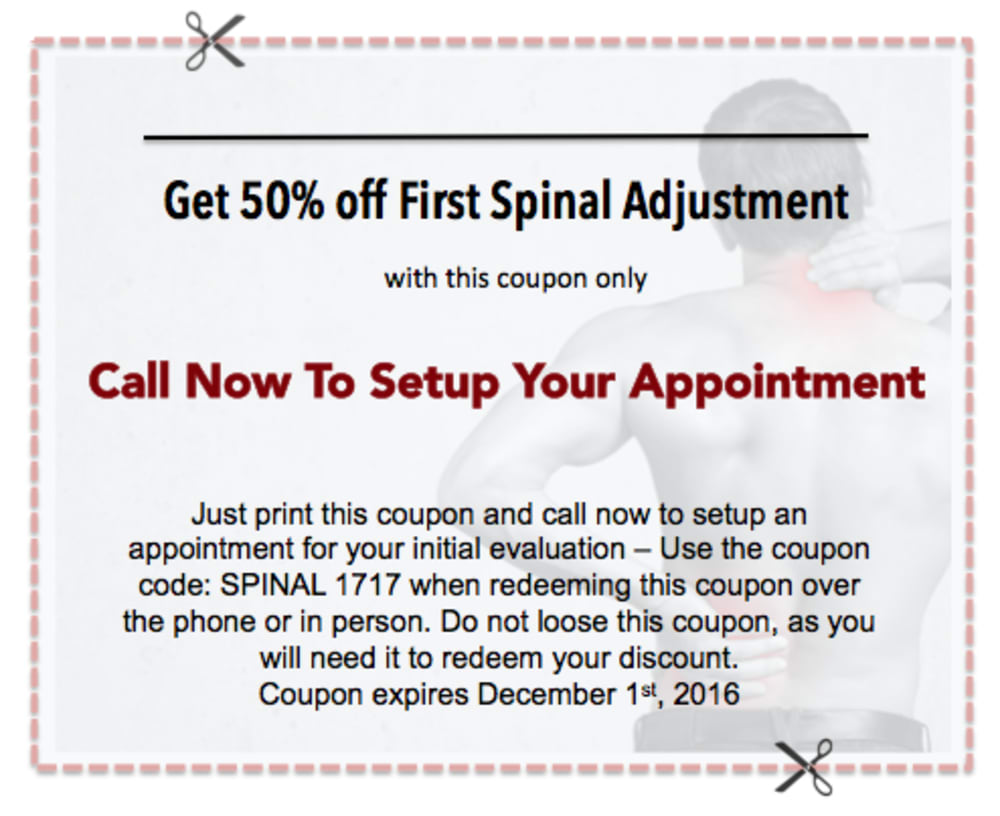
This coupon is ready to print out. The image has been purchased and is infringement-free. This coupon is a picture image and non-editable. If a custom coupon is desired, you can create one in powerpoint and include your address, phone number, etc, or contact a graphic artist to create a custom one for you.
Landing page #2 Alternate
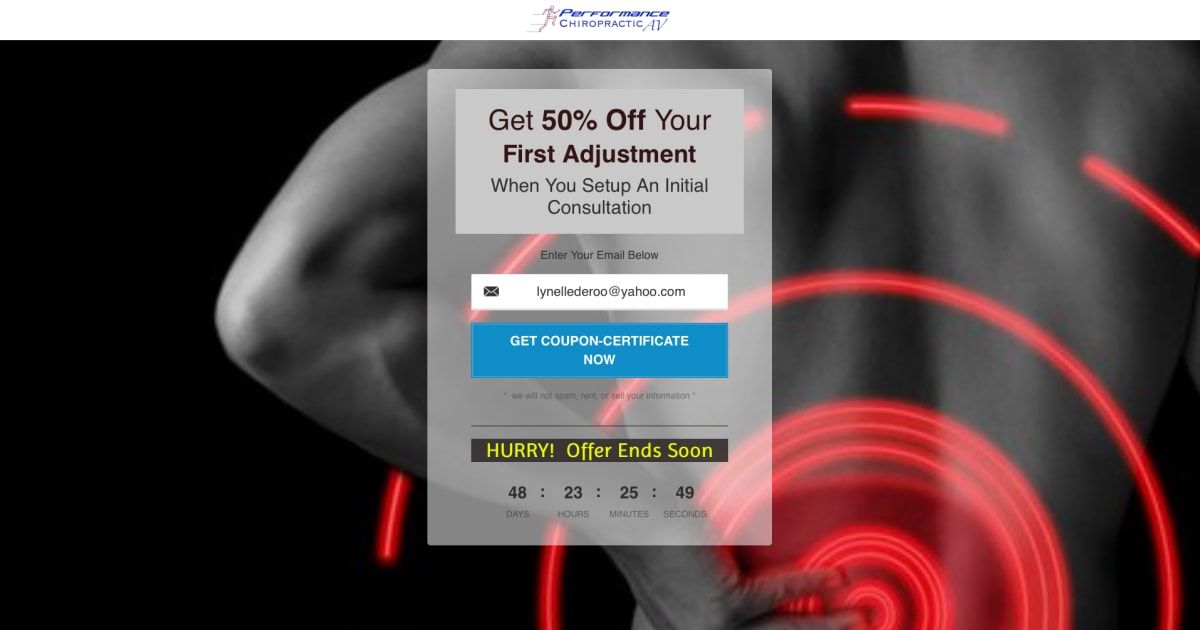
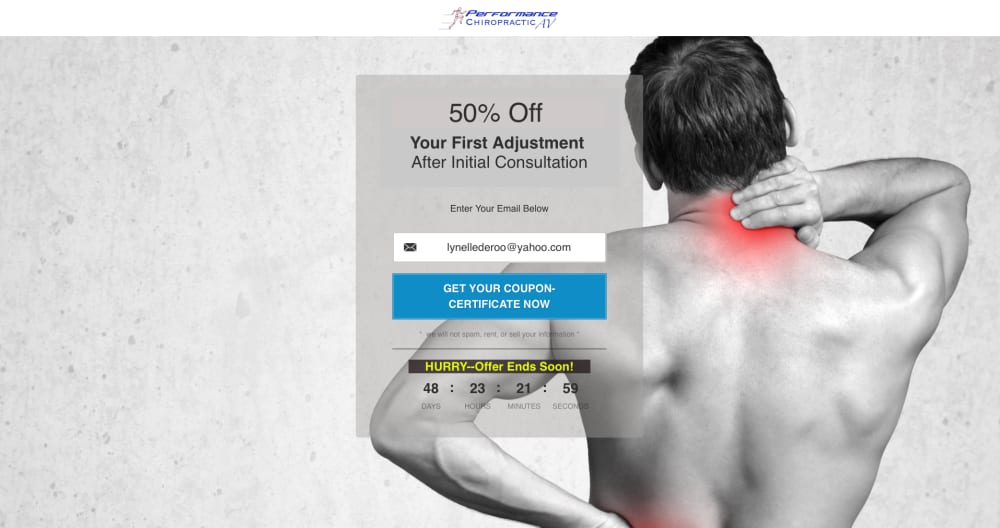
This page has almost the identical copy but a different background image. Both are clean and depict back pain, the most common motivator for people to see you. With two pages, you can run a split test to determine a winner that converts the best for you.
Thank you page
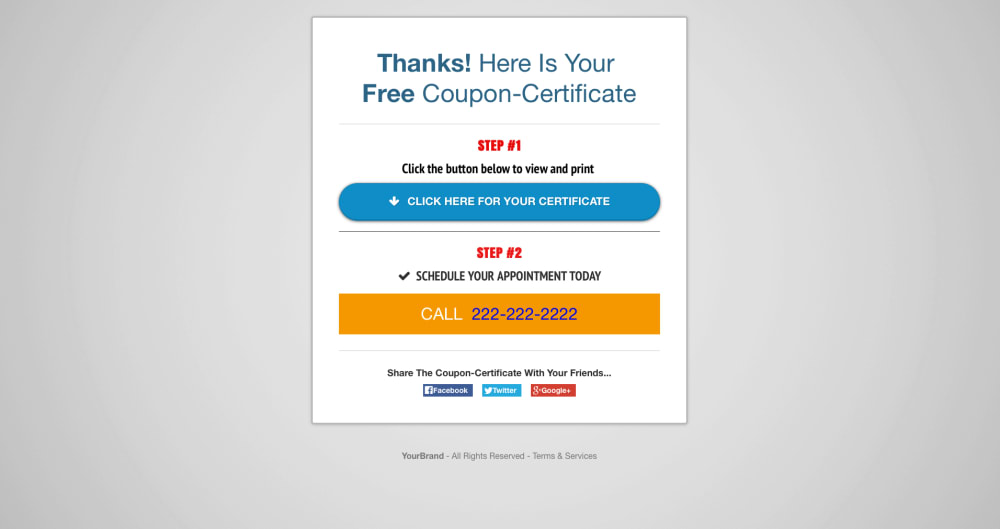
The new patient is led in Step #1 to click the blue button for the next page with the certificate. Step #2 has a clickable phone number which is very easy for you to change. Instructions to change: Log in to your Click Funnels account. Open this funnel. Click on Thank you page. Click on phone number Click on the blue pencil. A dark blue field will open above it on the left. Click cursor to the far right of the existing number and backspace-delete the existing number. Type in your own number without hyphens or dashes. Click outside the yellow box. Click SAVE button in the far right grey vertical menu bar.
Frequently asked questions
- Can I use the coupon provided?
- Yes. The image is purchased by me and can be used without infringement. If you want a coupon with your contact information on it, or directions or phone number, you can create one yourself in powerpoint or have a graphic made for you.
- Why are there two landing pages?
- This provides you the option for doing a split test. You can either run them with ads simultaneously, or one after the other to see which one outperforms the other. Declare the Winner; once you decide which one you want to keep and be doing so, it will delete the other page.